

Free AI Flooring Designer
Upload a room photo and generate photoreal AI flooring redesigns in seconds. Pick a material, choose a pattern and preview the result. Free, no signup required.
AI Flooring Designer
Upload a room photo
Drag and drop, or click to browse
JPG, PNG or WEBP. Up to 12 MB. A well lit photo works best.
Choose a style
Advanced settings
Result
Inspiration gallery
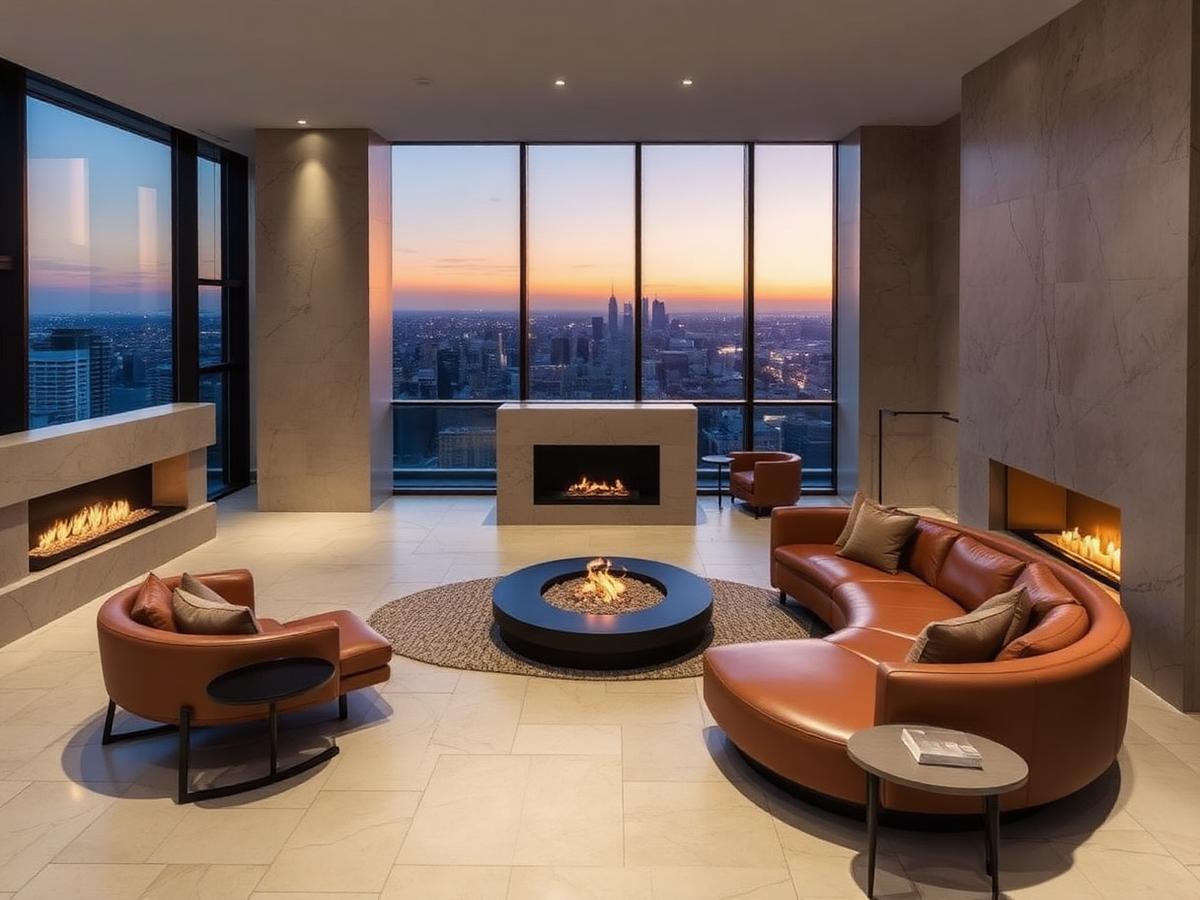
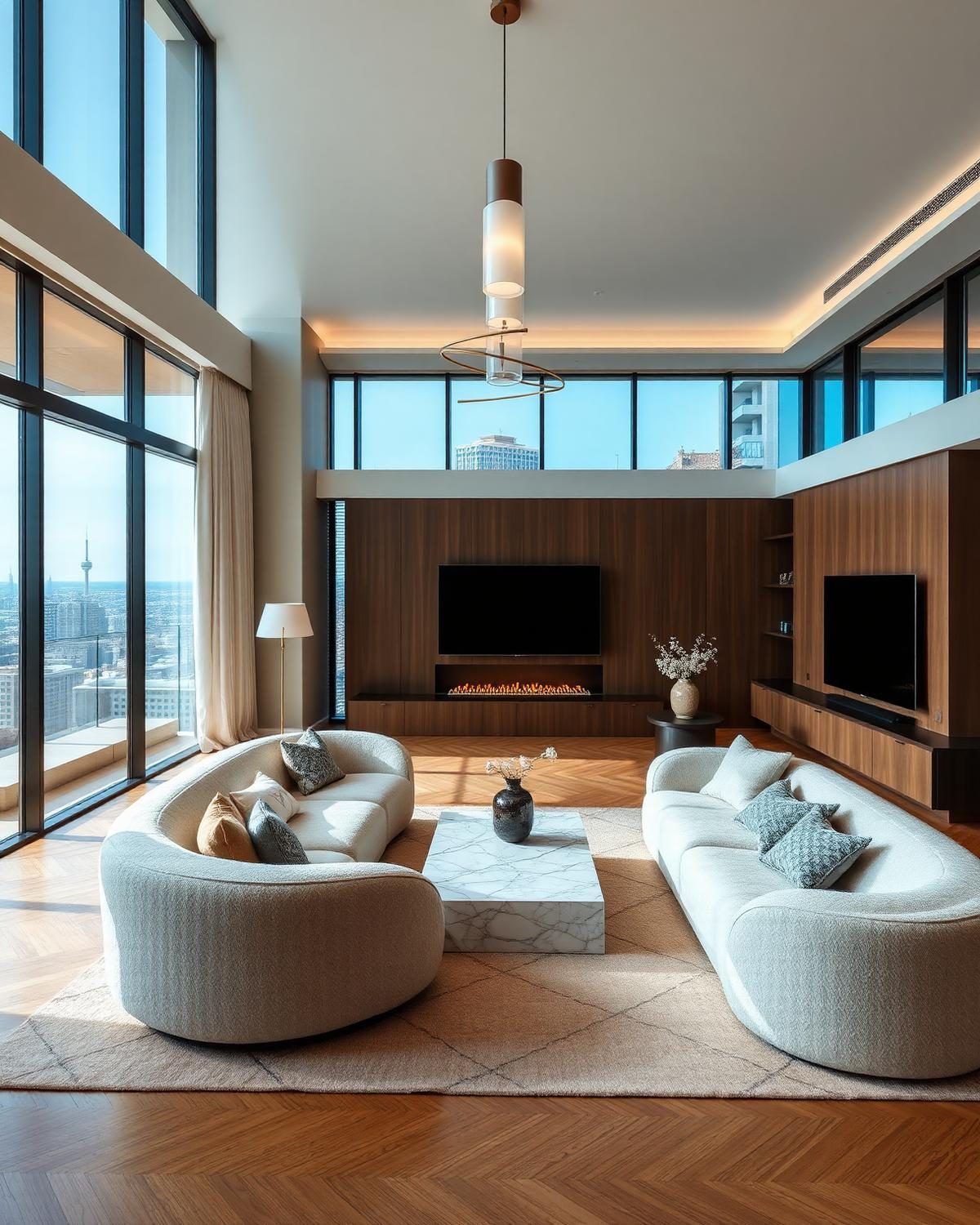
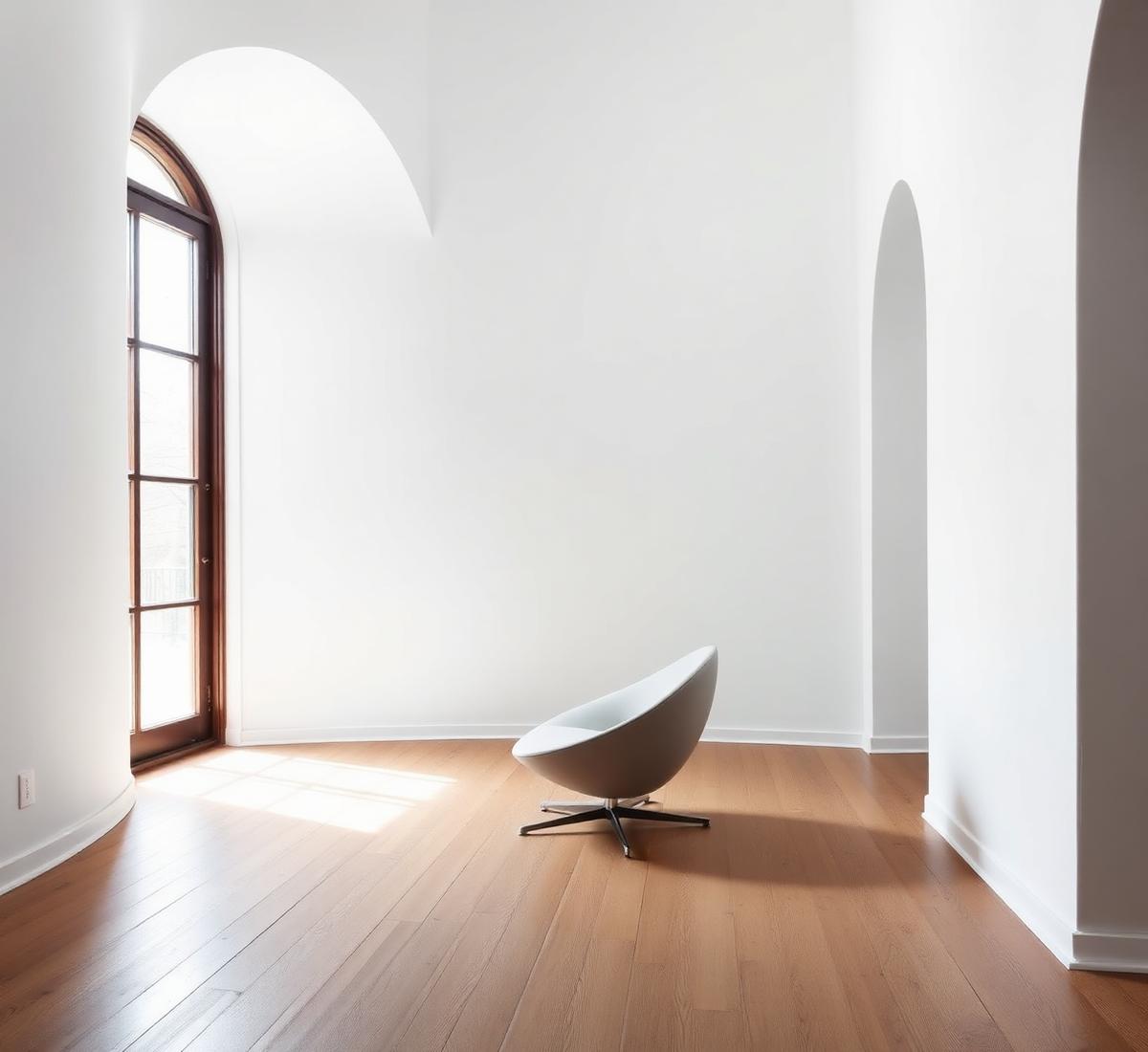
Real examples of what the AI can create. Browse more in the full gallery.
About AI Flooring Designer
Flooring sets the temperature of every room. The AI Flooring Designer previews timber, tile, stone, carpet, and micro cement floors on a photo of your real space.
What this designer does
It swaps the floor material, plank direction, colour, and grout while keeping walls, ceilings, and furniture intact. You can preview across multiple rooms in one photo.
Who should use it
- Homeowners choosing a new floor before buying samples
- Renovators comparing engineered wood versus real oak
- Kitchen and bathroom designers choosing tile patterns
- Landlords picking hard wearing flooring for rentals
Best use cases
- Compare wide plank oak versus herringbone in a living room
- Preview large format porcelain in a bathroom
- Test polished concrete in an open plan kitchen
- Swap carpet for engineered wood in a bedroom
Before you upload
- Shoot from a corner with as much floor visible as possible
- Turn on lighting to see the true colour
- Clear rugs, chairs, and boxes from the floor
- Include a doorway so the AI keeps a clean threshold
Tips for better AI results
- Match the floor plank direction to the longest wall
- Preserve walls and furniture to focus on the floor
- Mention underfloor heating in Special Requirements
- Test both light and dark options before deciding
Recommended design styles
Wide Plank Oak
Warm, timeless, works everywhere
Herringbone
Classic pattern with high impact
Large Format Porcelain
Modern, low maintenance, seamless
Polished Concrete
Industrial with underfloor heating
Budget guidance
Estimates below are indicative. The Cost Estimator in your result adjusts to your local currency.
Basic
$20 to $40 per m2Laminate or vinyl, self installed.
Standard
$40 to $80 per m2Engineered wood or ceramic tile, fitted.
Premium
$80 to $150 per m2Solid oak, natural stone, or large porcelain, fitted.
Luxury
$150+ per m2Wide board oak, book matched stone, or bespoke terrazzo. Great for flooring statement projects.
Expected rendering results
- Floor rendered with correct plank scale and grain
- Consistent lighting from your original photo
- A flooring board with material and supplier references
- Cost per square metre for material and installation
Common mistakes to avoid
- Choosing very dark flooring in a small dark room
- Ignoring plank direction and shrinking the room visually
- Using polished stone in a high slip risk area
- Skipping underlay when calculating cost
Try any floor before you commit
Upload one photo and preview timber, tile, or stone flooring in seconds.
Frequently asked questions
- AI Flooring Designer is a free tool that redesigns only the flooring of any room from a single photo, hardwood, marble, tile, vinyl, laminate, stone and luxury flooring with realistic textures, patterns and reflections.
- Yes. Pick Hardwood or Engineered Wood as the material and select a plank pattern such as Herringbone or Straight Plank. The AI replaces the existing tiles with photoreal wood while preserving furniture, walls and lighting.
- Yes. Choose Marble as the material and select a color like White Marble or Black Marble. The AI renders realistic veining, polish and reflections that match your room's perspective and lighting.
- Yes. Every AI tool on DecoEpoch, including AI Flooring Designer, is completely free to use with no signup required.
- You can upload JPG, PNG and WEBP images up to 12MB. Photos that clearly show the floor and the room in one frame produce the best results.
What is AI Flooring Designer?
Can I replace tiles with wood flooring?
Can AI generate marble floors?
Is this tool free?
Which image formats are supported?
Related AI designers
AI Ceiling Designer
Upload any room photo and redesign only the ceiling with AI, modern, POP, gypsum, wooden, coffered, tray and luxury ceiling designs with cove lighting and decorative finishes.
AI Lighting Designer
Upload any room photo and redesign the lighting with AI, ceiling lights, pendants, chandeliers, LED strips, spots, lamps and layered ambient, task and accent lighting.
AI Material Visualizer
Upload a room or exterior photo and preview different flooring, wall, countertop, cabinet, roof, and exterior materials with AI before renovation.
AI Interior Design
Upload a photo of any indoor space and redesign it with AI, rooms, styles, palettes, materials, furniture and lighting.
AI Living Room Design
AI-powered living room redesigns with furniture layout suggestions.
AI Bedroom Design
Upload a photo of your bedroom and get photoreal AI redesigns in seconds.
Related articles
How to plan a home renovation budget without overspending
Most renovations blow the budget for the same reason: people plan for what they'll spend, not what they'll be asked to spend. Here's how to build a budget that survives contact with reality.
home-interiorA complete guide to home design using AI tools
AI will not design your house for you. It will let you test fifty ideas in an afternoon, which is the part that used to cost money. Here is the workflow I actually use on client projects.
home-officeHow to design a modern home office with AI
Most home offices are a spare bedroom with a desk in it. That's why they don't help you focus. Here's how to design a real one, with AI doing most of the work.