

Free AI Material Visualizer
Upload a photo and preview new materials on walls, floors, ceilings and surfaces with photoreal AI. Free, no signup required.
AI Material Visualizer
Upload a photo
Drag and drop, or click to browse
A clear, well-lit photo with the surface you want to change clearly visible works best. JPG, PNG or WEBP up to 12 MB.
Choose a surface
Precise surface selection depends on what the AI can detect. Add a note in Special requirements for the best result.
Choose a material category
Choose a material
Advanced settings
Result
AI material previews are for visualization purposes. Actual materials may differ in color, texture, scale, grain, veining and reflectivity depending on lighting, screen settings, manufacturing variations and installation. Always review a physical material sample before making a final purchase or installation decision.
AI Material Visualizer Examples
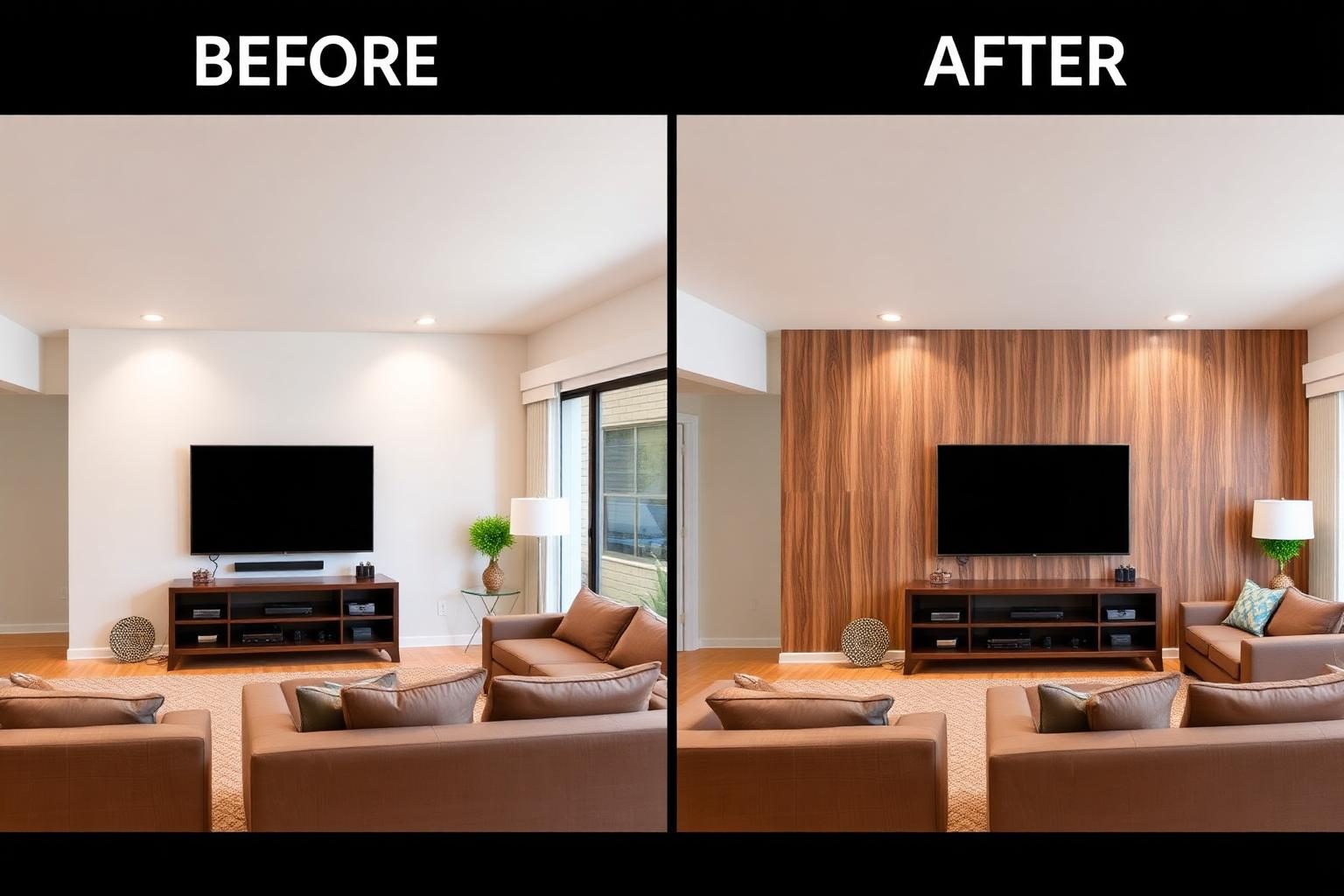
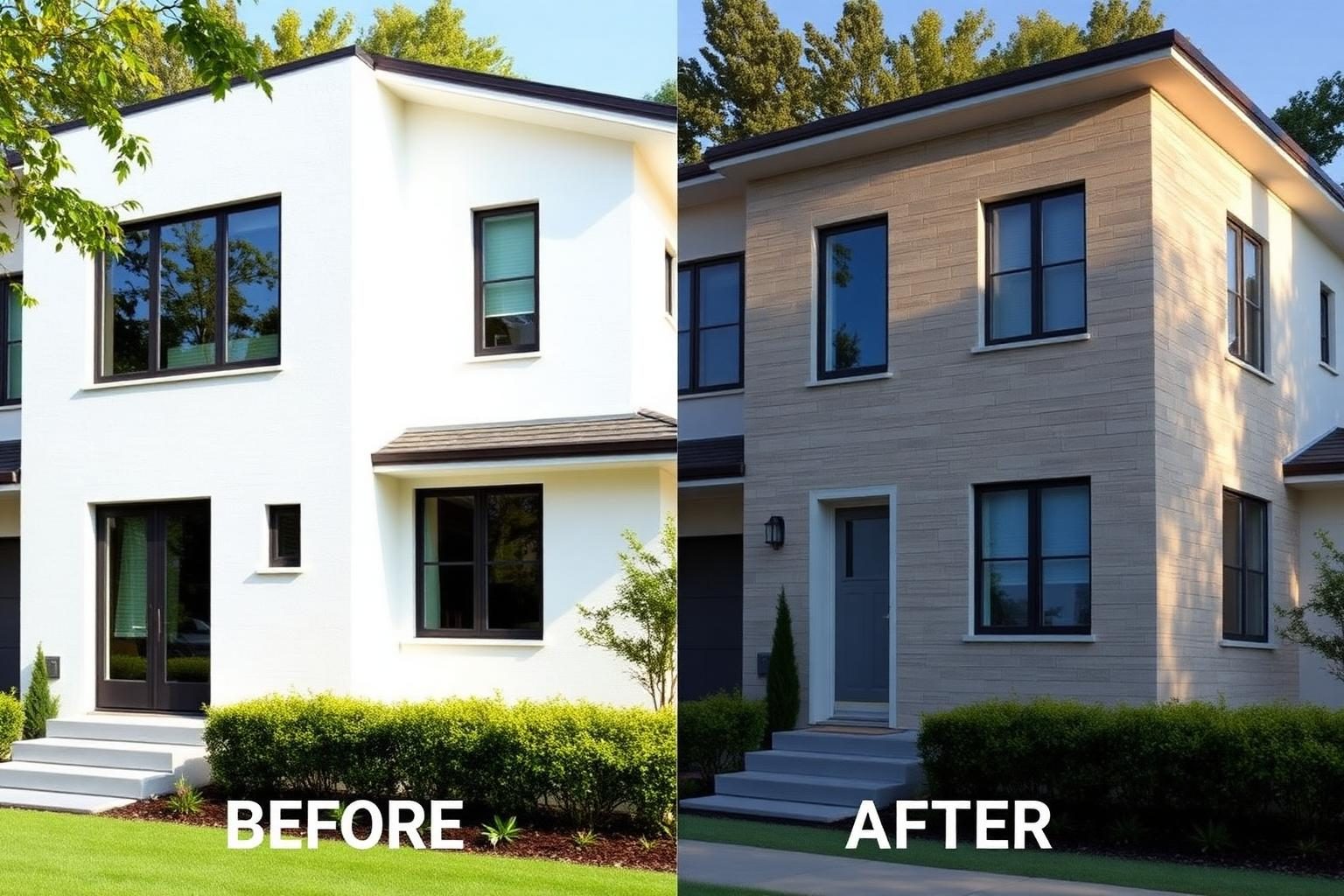
See how different materials can transform the same surface while keeping the rest of the space unchanged.
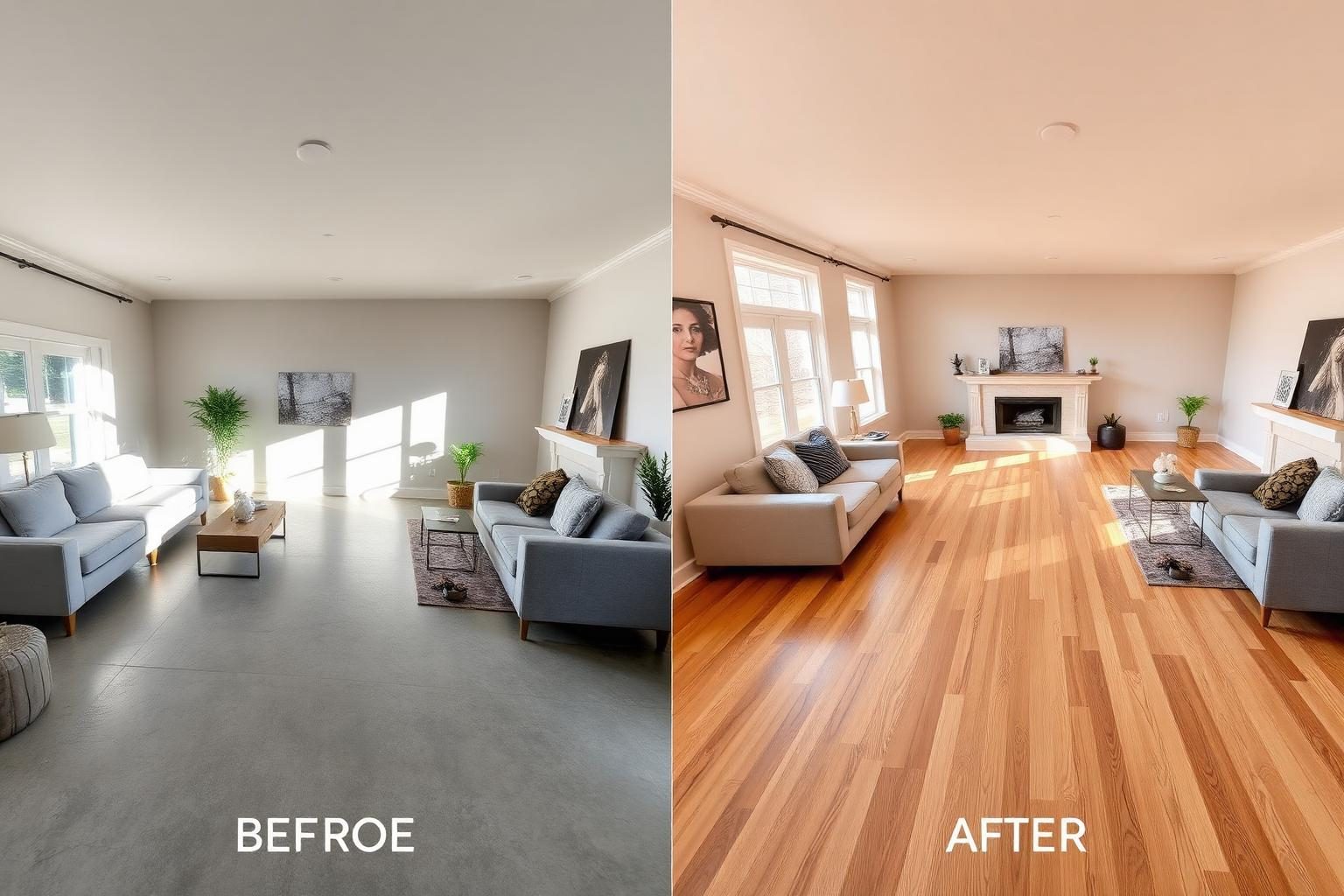
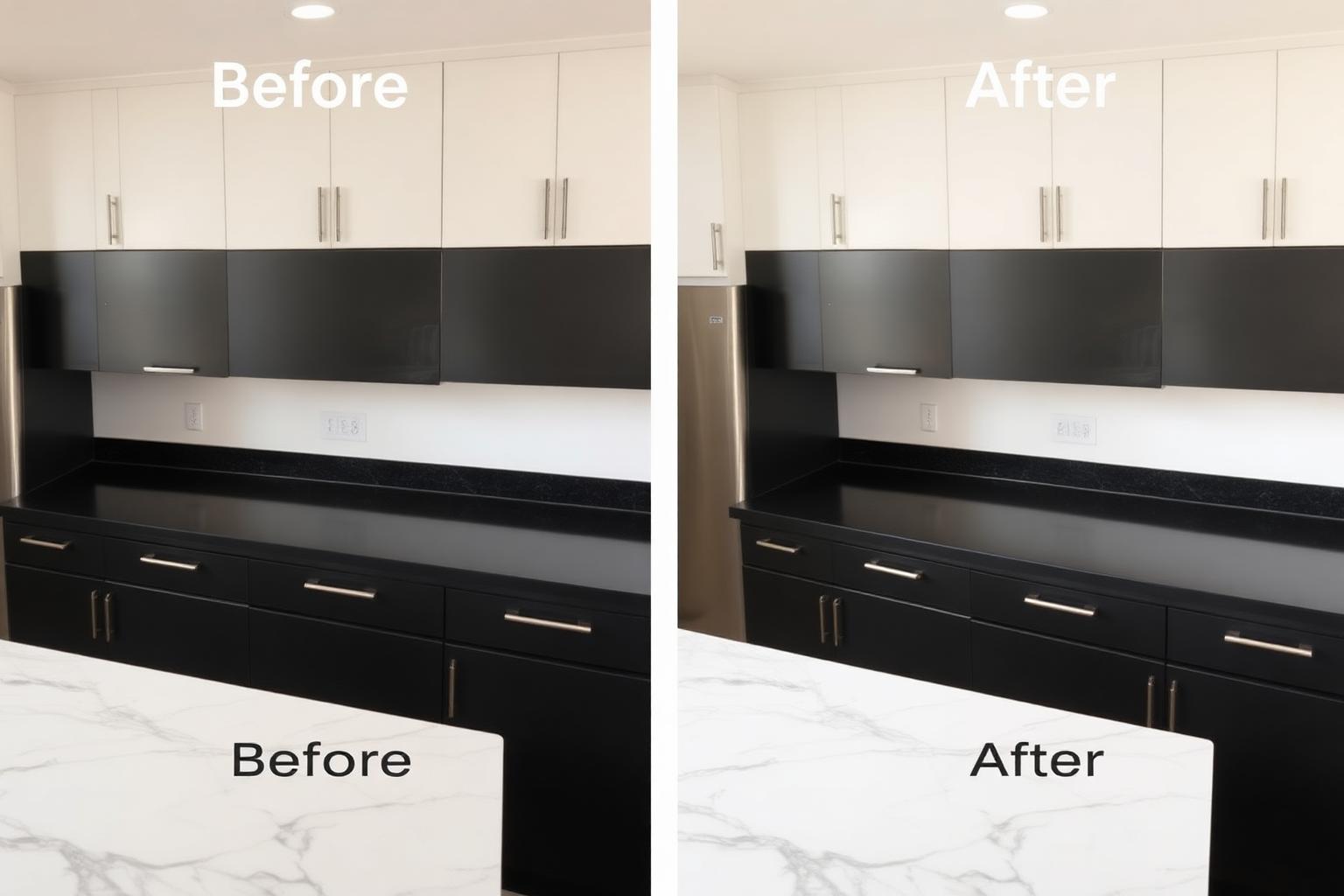
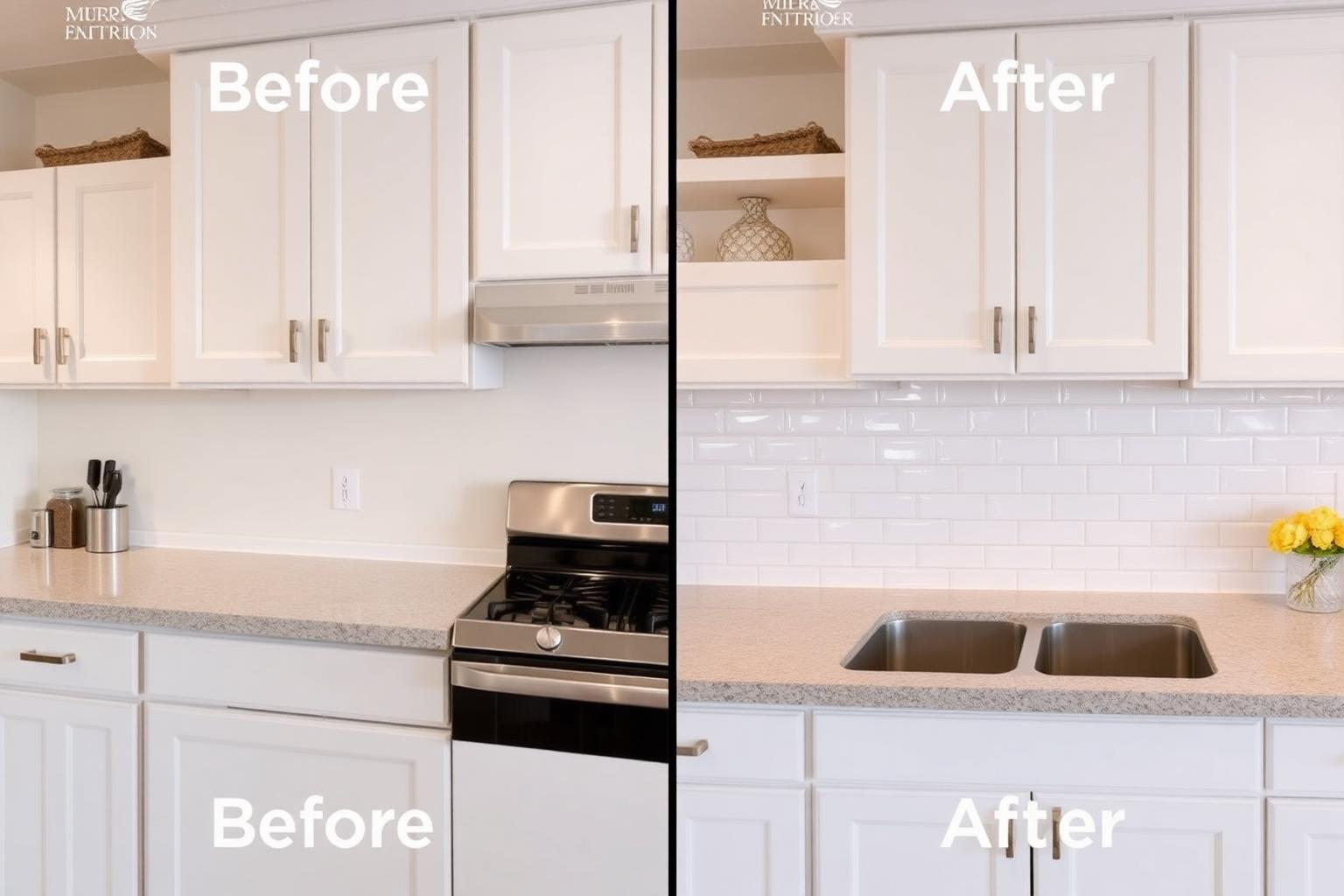
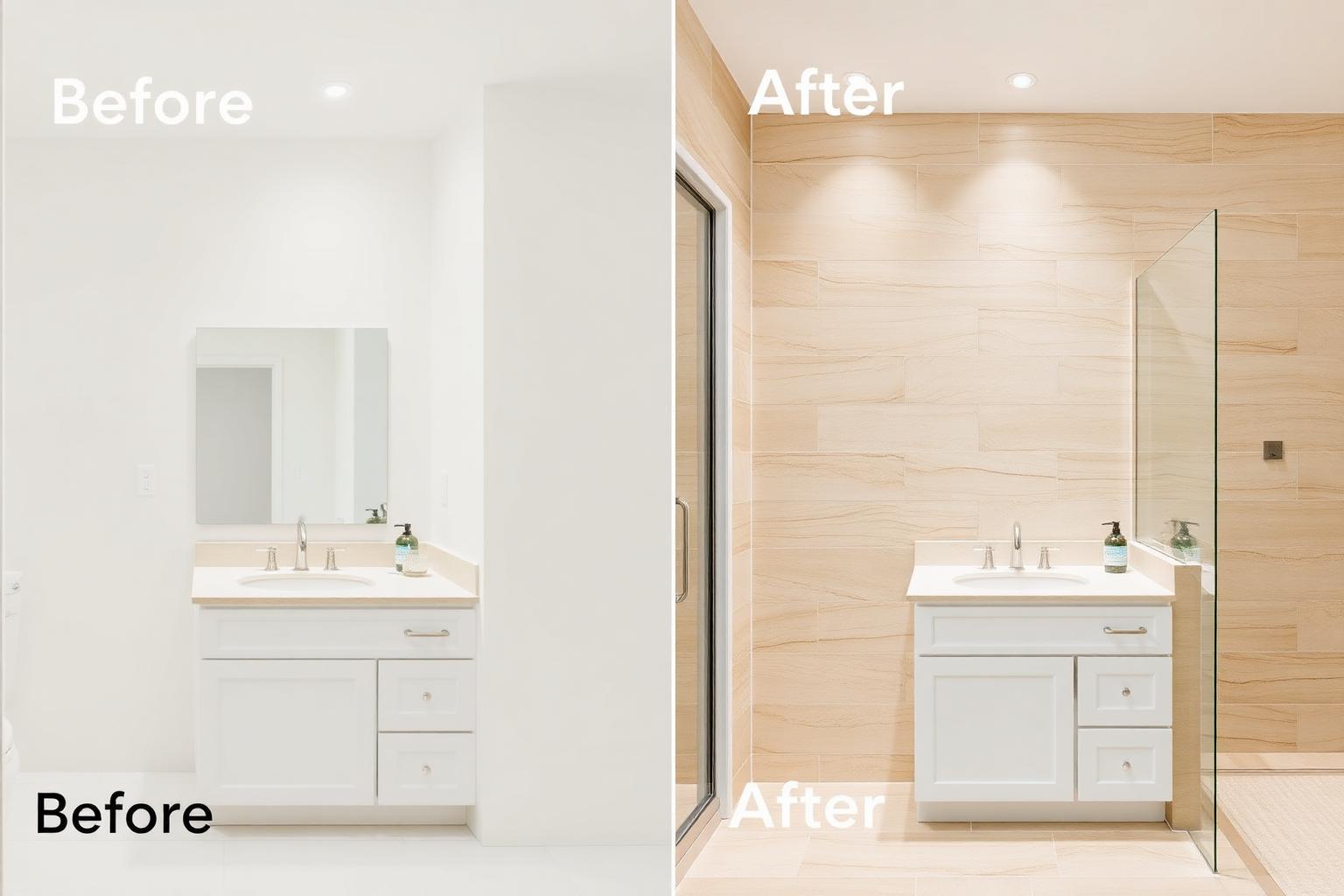
About AI Material Visualizer
Choosing materials from small samples can make it difficult to imagine how they will look across an entire floor, wall, countertop or facade. AI Material Visualizer helps you preview different materials directly on a photo of your space before making renovation or design decisions.
What this designer does
It previews different materials on selected surfaces such as floors, walls, countertops, backsplashes, cabinets, fireplaces and exterior facades while preserving the surrounding room layout and architectural details whenever possible. You can test wood, stone, tile, concrete, brick, metal and other finishes on your own photo.
Who should use it
- Homeowners choosing countertops, flooring and cladding
- Kitchen and bathroom designers presenting material combinations
- Architects visualizing cladding on a facade or wall
- Suppliers helping clients choose a finish
- Interior designers comparing material combinations
- Renovators planning flooring and surface upgrades
- Property developers visualizing finish options
- Contractors presenting material alternatives to clients
Best use cases
- Compare oak versus walnut flooring in the same room
- Preview marble versus quartz on the same countertop
- Test bookmatched stone on a fireplace wall
- Swap a backsplash material in a kitchen
- Compare tile sizes and layouts in a bathroom
- Preview wood wall panels in a living room
- Test stone cladding on an exterior facade
- Compare concrete, tile and wood flooring
- Preview countertop finishes before renovation
Before you upload
- Shoot in daylight for accurate material colour
- Include the surface you want to change in the centre of the frame
- Clear objects sitting on the surface
- Take a straight-on angle rather than a sharp perspective
- Use a clear, high-resolution image
- Make sure the surface boundaries are visible
- Avoid heavily filtered photos
- Avoid extremely dark images
- For flooring, include as much visible floor area as possible
- For countertops, keep the full countertop visible
Tips for better AI results
- Change one material at a time to see the impact
- Preserve the layout and furniture
- Mention grout colour or plank width in Special Requirements
- Test the material under Warm Ambient and Bright lighting
- Specify the exact surface you want to change
- Mention the desired finish such as matte, polished or honed
- Specify tile size or plank width when important
- Describe stone veining as subtle, bold or minimal
- Use the same photo when comparing multiple materials
Popular Material Categories
Natural Stone
Marble, travertine, limestone, granite and quartzite
Warm Wood
White oak, natural oak, walnut and cherry
Concrete and Microcement
Smooth, textured and seamless contemporary finishes
Ceramic and Porcelain
Large format tiles, terrazzo, mosaics and decorative tiles
Estimated Material Budget
General material and installation cost ranges for planning purposes only. Actual costs vary significantly by material, surface area, installation complexity, labor rates and location. Example estimates in USD.
Basic
$3 to $8 per sq ftLaminate, vinyl and standard ceramic tile.
Standard
$8 to $18 per sq ftEngineered wood, porcelain tile and quartz.
Premium
$18 to $40 per sq ftSolid hardwood, natural stone and large format tile.
Luxury
$40+ per sq ftBookmatched stone, specialty imports and bespoke finishes.
Expected rendering results
- Realistic visualization of the selected material on the chosen surface
- Natural-looking texture, grain or veining where applicable
- Original lighting and perspective preserved whenever possible
- Room layout and surrounding elements preserved
- Original vs Material Preview comparison
- Selected material details displayed with the result
Common mistakes to avoid
- Combining too many bold materials in one space
- Ignoring maintenance requirements for natural stone
- Choosing materials without considering the room's lighting
- Using very large patterns on a small visible surface
- Ignoring grout color when previewing tile
- Comparing materials using different source photos
- Selecting polished surfaces without considering practical use
- Judging material color from the AI preview alone
Always review physical material samples before purchasing or installation.
Preview any material on your space
Upload one photo, choose a surface and material, and visualize how it could look in your space.
Frequently asked questions
What is AI Material Visualizer?
AI Material Visualizer is a free tool that lets you preview flooring, wall finishes, countertops, cabinets, roofing and exterior materials on a real photo of your space before you renovate.
Which materials are supported?
Hardwood, engineered wood, laminate, vinyl, marble, granite, ceramic and porcelain tile, concrete, terrazzo, quartz, butcher block, stone, brick, stucco, wood panels, metal panels and more.
Can I preview flooring and countertops?
Yes. Choose Floor or Countertop as the surface and pick any material from the library to preview it on your photo.
Which file formats are supported?
You can upload JPG, PNG and WEBP images up to 12 MB. Well-lit, straight-on photos give the most realistic material previews.
Is DecoEpoch free?
Yes. Every AI tool on DecoEpoch, including AI Material Visualizer, is completely free to use with no signup required.
Can I change only one surface?
Where surface selection is supported, choose the surface you want to change, such as the floor, wall, countertop or backsplash. The visualizer is designed to preserve the surrounding space whenever possible.
Can I compare different materials?
You can generate different material previews using the same uploaded photo. Recently generated previews are kept in your current session so you can compare them without uploading again.
Can I preview different wood flooring?
Yes. Select Floor as the surface and Wood as the material category, then choose an available wood type, tone, finish and plank layout.
Can I visualize tiles and grout colors?
Where tile customization is supported, you can choose a tile material, layout, finish and grout color to create a more specific preview.
Can I preview exterior materials?
Yes. You can visualize materials on exterior surfaces such as facades, walls, roofs, patios, driveways, decks and fences.
Are AI material previews completely accurate?
No. AI previews are visual estimates. Actual materials can differ in color, scale, texture, grain, veining and reflectivity. Always check a physical sample before purchasing.
Related tools
AI Paint Visualizer
Upload a room or house photo and instantly preview interior or exterior paint colors with AI before painting.
AI Interior Design
Upload a photo of any indoor space and redesign it with AI, rooms, styles, palettes, materials, furniture and lighting.
AI Kitchen Design
AI-powered kitchen redesign with cabinetry, counters and lighting variations.
AI Bathroom Design
Reimagine bathrooms with AI, tiles, vanities and lighting.
AI Exterior Design
Reimagine home exteriors, facades and landscaping with AI.