

How to design a modern home office with AI
Most home offices are a spare bedroom with a desk in it. That's why they don't help you focus. Here's how to design a real one, with AI doing most of the work.
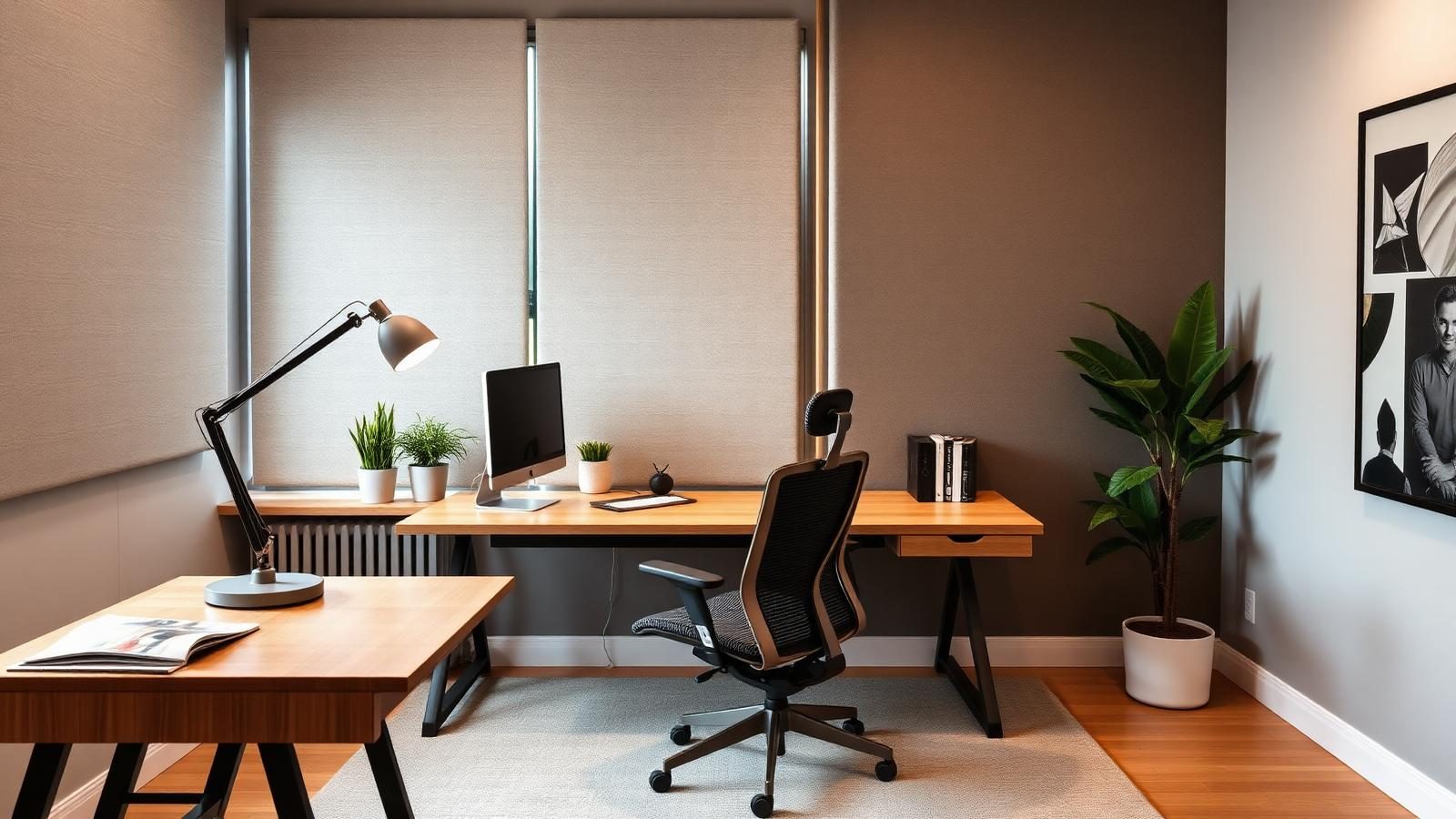
Working from home was supposed to be freedom. For most people it turned into working from a slightly nicer version of the office, in a corner of a bedroom, at a desk that hurts their back by 3pm.
A modern home office does one job: help you focus for long stretches without wrecking your body. Everything else is decoration. Here's how to build one, and how to use AI to see the whole setup before you buy anything.
What a good home office actually does
Before you buy a desk, agree on what the room is for. Four things:
- You can work at it for 4 to 8 hours without pain.
- You can take a call and sound like a professional.
- You can close the door (or the visual equivalent) and stop working.
- You want to walk back into it the next morning.
If your current setup fails on more than one of those, this guide will help.
Layout: three options for any space
The best layout depends on how much space you have and how the light enters. Three patterns cover 90 percent of home offices.
Parallel to the window
Desk runs along a wall parallel to the window. Light comes from the side, which is best for both video calls and screen work. No glare on the monitor, no backlit shadow face on Zoom. Works in almost any room with a window on the side wall.
Perpendicular (desk into the room)
Desk sticks out into the room with the window off to one side. Good for larger rooms and for people who like to see the whole space while working. Requires more floor area and careful cable management.
The alcove or hallway nook
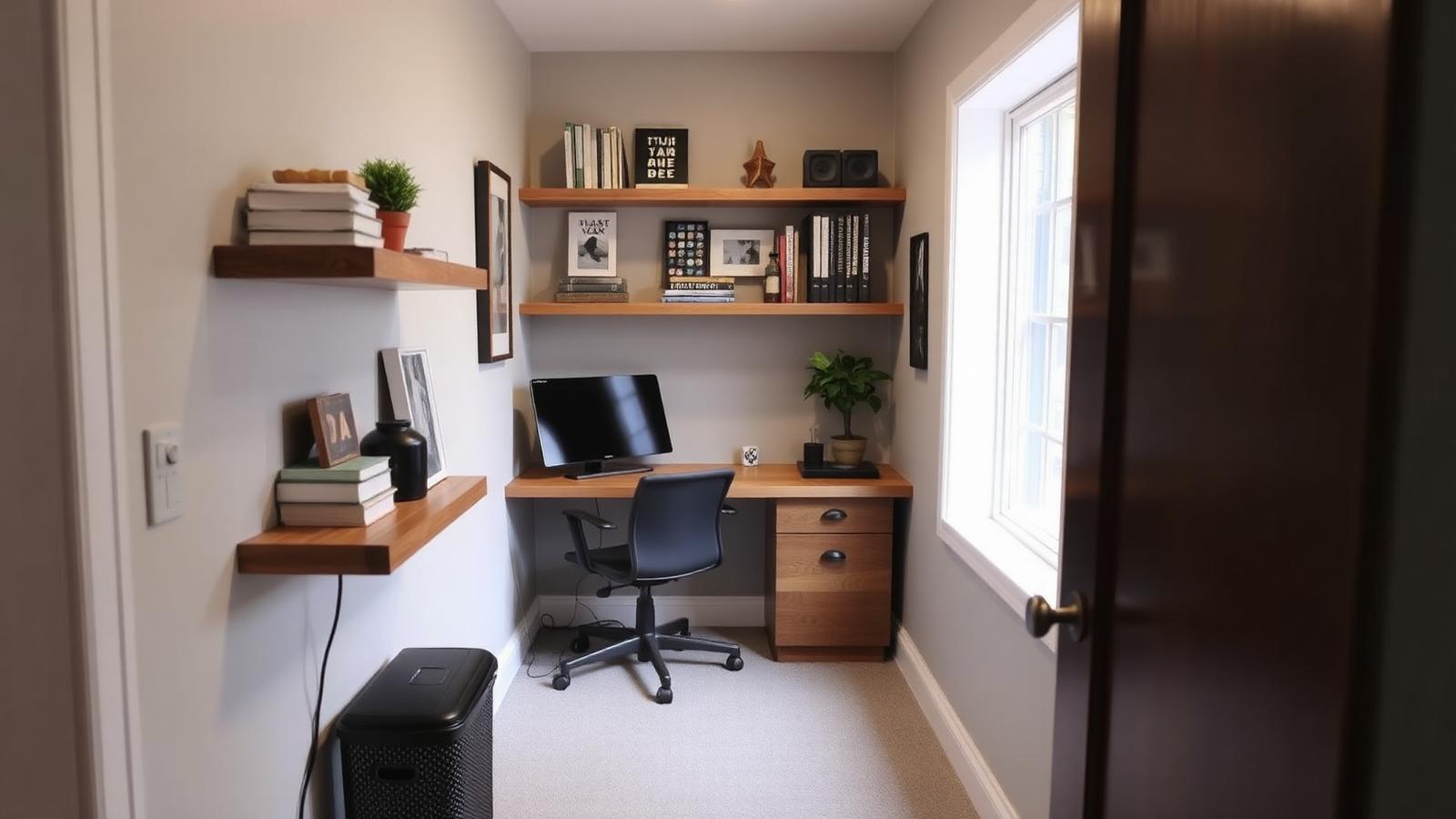
No spare room? A 24 by 60 inch alcove, closet, or hallway wall can hold a full workstation. Floating desk, wall-mounted shelves, chair that tucks in. The setup takes 6 square feet and it's easy to close off with a curtain at end of day.
The gear that pays for itself
The furniture and hardware in a home office are the difference between finishing work at 5 and quitting at 3 with a stiff neck. Prioritize in this order:
Chair. Non-negotiable. A good ergonomic chair costs $300 to $1,200 and lasts 8 to 12 years. Herman Miller Aeron, Steelcase Series 1, HAG Capisco, or a well-reviewed alternative. Buy used if the budget is tight, but buy one.
Desk at the right height. 28 to 30 inches is standard sit height. Most desks are set correctly if your elbows land at 90 degrees when your hands are on the keyboard. If you're taller than 6 feet or shorter than 5 foot 3, consider a sit-stand desk you can dial to your height.
Monitor on an arm at eye level. The top of the monitor should be at eye level or slightly below. A monitor arm (VESA mount) gets you there and frees up desk space. About $50 for a solid one.
External keyboard and mouse. Even if you use a laptop. The laptop screen goes below the monitor as a second screen, or off to the side.
A single warm task lamp. More on lighting below.
Lighting that keeps you sharp
Bad office lighting causes headaches and eye strain by mid-afternoon. Two rules.
Never light your work area from behind you. The overhead ceiling light shining on your back turns your monitor into a mirror. Reposition the desk or turn off the overhead and use a side lamp.
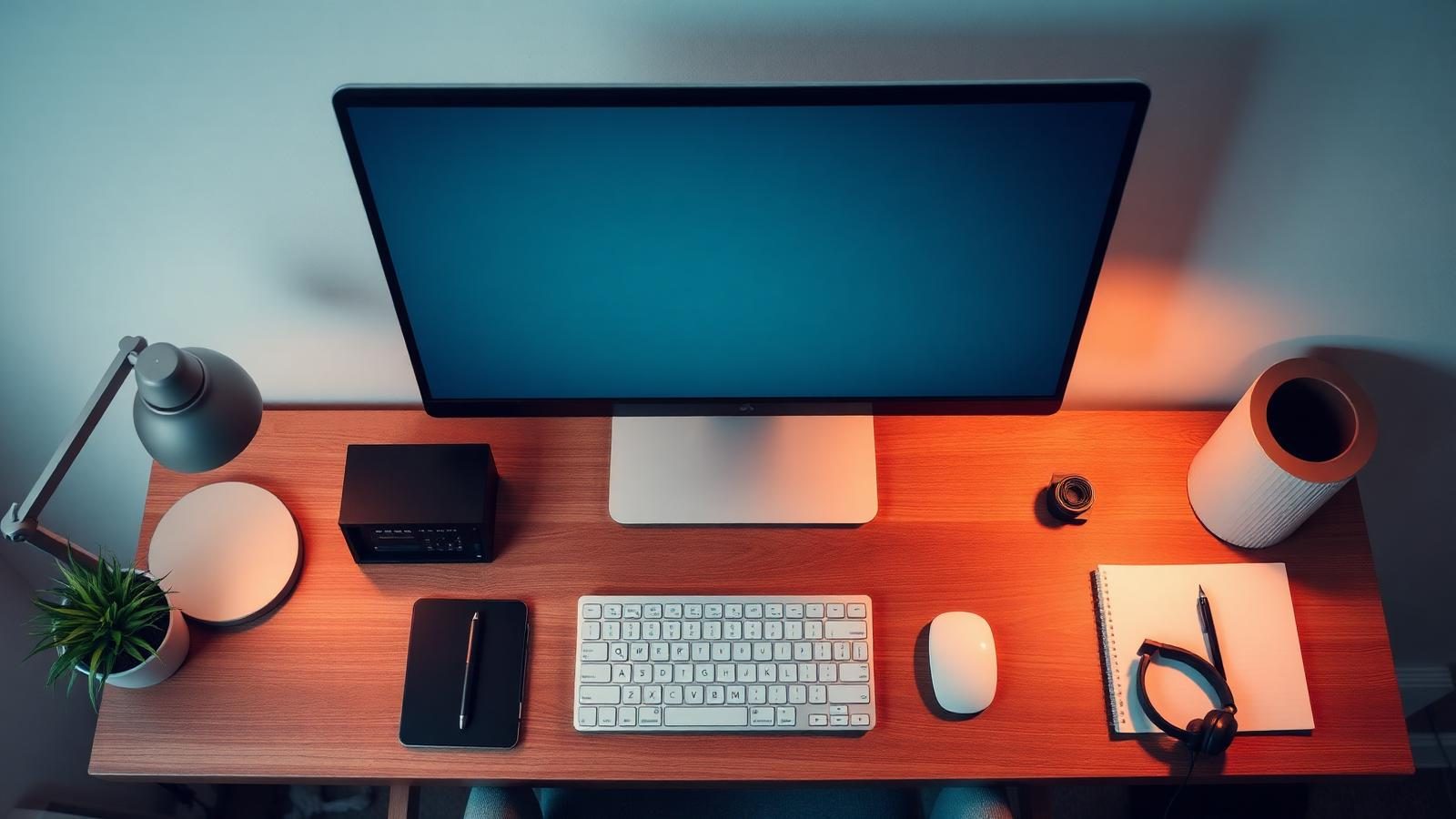
Layer the light. Same three-layer rule as any room. Ambient (overhead or corner lamp), task (a bright desk lamp at 3000K to 4000K, not the 2700K you use in a bedroom), and screen bias light behind the monitor (a small LED strip that reduces contrast eye strain during long work sessions).
For high-quality LEDs at good color rendering, ENERGY STAR certified bulbs are a safe filter to start with.
Sound is 40 percent of the room
You can't focus in a room that echoes. Empty corners, hard floors, and flat walls bounce sound around and make everything from calls to typing feel noisier.
Cheap fixes that work:
- A rug under the desk (softens the whole room)
- Curtains on any window (fabric absorbs mid-range sound)
- A bookshelf full of actual books on one wall (irregular surfaces scatter sound)
- Two or three fabric-covered acoustic panels behind the desk if calls are frequent
- A door that closes, even a barn door on a rail if a swing door won't fit
You don't need a recording studio. Cutting the echo by 50 percent is enough to make video calls feel professional.
Design the full setup with AI in 20 seconds
Here's the fast version. Take a phone photo of the room or corner where the office will go. Upload it to the AI Interior Designer. Set the room type to office, pick a style (modern warm, Scandinavian, and Japandi all work well), and set your budget tier.
In about 20 seconds you get a photoreal render of the same space with the desk, chair, shelving, and lighting placed. Try 4 or 5 combinations. The AI handles proportions and light direction, so what you see is what fits.
For a full layout with cable runs, monitor arm positions, and 3D walkthrough, use the CAD floor planner. Drop the walls, place real furniture models, and switch to the render studio to test lighting.
What a good home office setup costs
| Tier | Total | What's included |
|---|---|---|
| Starter | $600 to $1,200 | Used ergonomic chair, IKEA desk, monitor arm, task lamp, rug, bulbs |
| Mid | $1,500 to $3,000 | New ergo chair, sit-stand desk, dual monitors on arms, layered lighting, acoustic panels |
| Full build | $4,000 to $8,000 | Custom built-in desk and shelving, high-end chair, mounted lighting, soundproofing, ceiling treatment |
Most people are best served by the mid tier. Use our budget planner for a country-specific estimate.
The one-hour setup
If you have an hour today: pull the desk away from the wall it's on now and put it parallel to the window so light comes from the side. Raise the monitor to eye level with a stack of books if you don't have an arm yet. Add a warm task lamp. Turn off the overhead if it's behind you.
The room will feel different. Then run it through the AI Interior Designer to plan the rest.
Frequently asked questions
What is the best layout for a small home office?+
Desk parallel to the window, with the window on your side and not behind you. This gives even light for video calls and eliminates screen glare. If the room has no window, place the desk against a wall you can decorate with acoustic panels or a warm color.
How much should I spend on a home office?+
Between $600 and $3,000 for most people. The chair should get the biggest single share of the budget ($300 to $1,200), because it's the item that affects your body every day.
What color temperature bulb is best for a home office?+
3000K to 4000K for task light on the desk. That's brighter and more alerting than a bedroom (2700K) but still warm enough to work under for hours without eye strain.
How do I make video calls look professional at home?+
Light your face from the front, not from behind. Sit with the window in front of you or use a lamp behind your monitor pointed at your face. Add a plant or bookshelf behind you for depth. Keep the background quiet, not busy.
Can AI design a home office from a photo?+
Yes. Upload a photo of the room or corner to Deco Epoch's AI Interior Designer, choose an office style and budget, and get a photoreal render with furniture, lighting, and layout in about 20 seconds. Free and no login.
Try it free
See it in your room in 20 seconds
Upload a photo, pick a style, and get a photoreal redesign from the Deco Epoch AI Interior Designer. No login, no paywall.
Related articles
A complete guide to home design using AI tools
AI will not design your house for you. It will let you test fifty ideas in an afternoon, which is the part that used to cost money. Here is the workflow I actually use on client projects.
AI living room design ideas for small homes that actually work
Small living rooms fail for one reason: people pick furniture before they pick the traffic pattern. Here's how to fix that, plus 3 layouts that work in almost any 10x12 room.
Bedroom lighting ideas that make small rooms feel bigger
Small bedrooms don't need more light. They need light in the right layers. Here's how to fix a cramped, flat-lit bedroom with three fixtures and one bulb spec change.