

Free AI Lighting Designer
Upload a photo and redesign the lighting scheme with ambient, task and decorative fixtures. Free, no signup required.
AI Lighting Designer
Upload a room photo
Drag and drop, or click to browse
JPG, PNG or WEBP. Up to 12 MB. A well lit photo works best.
Choose a style
Advanced settings
Result
Inspiration gallery
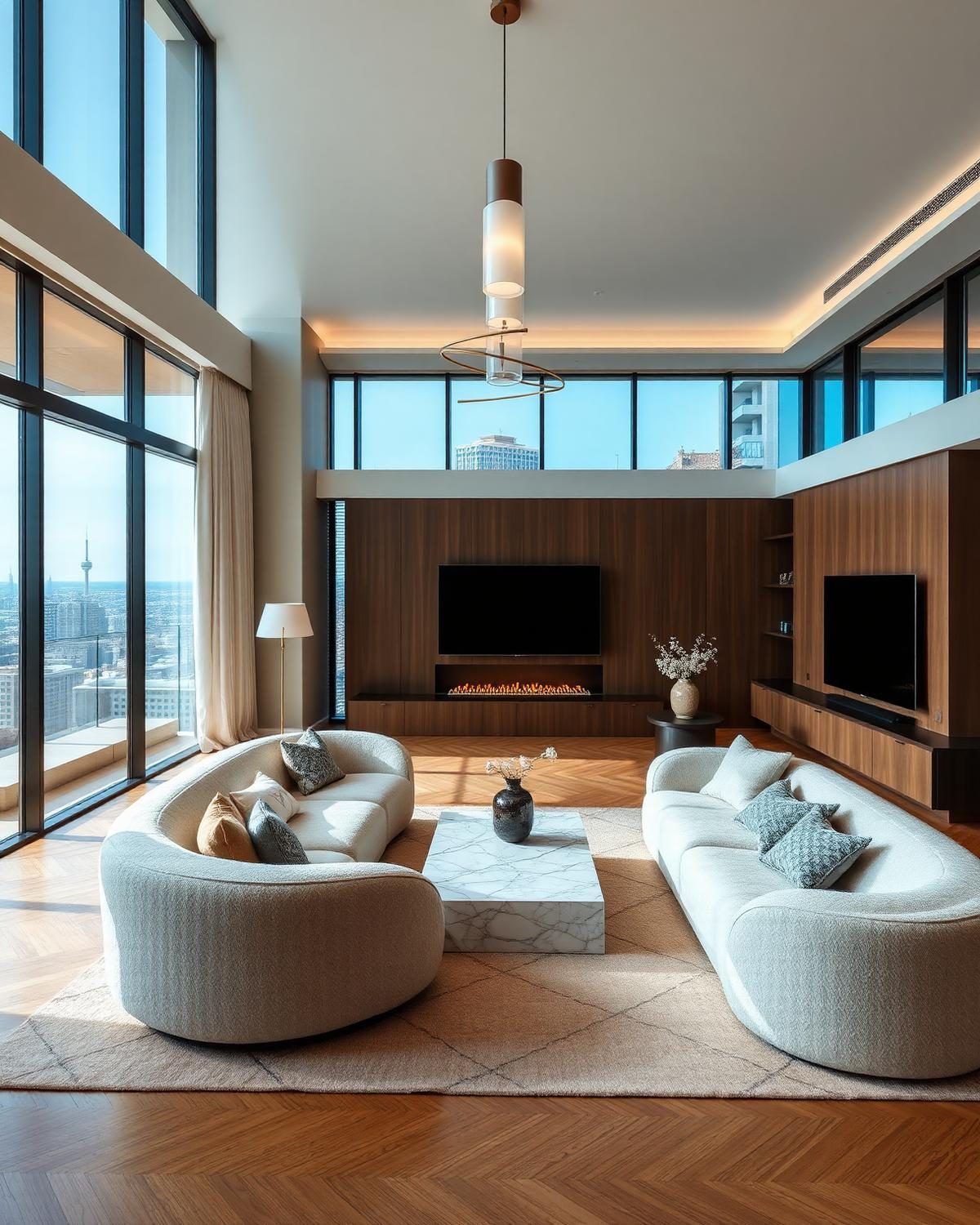
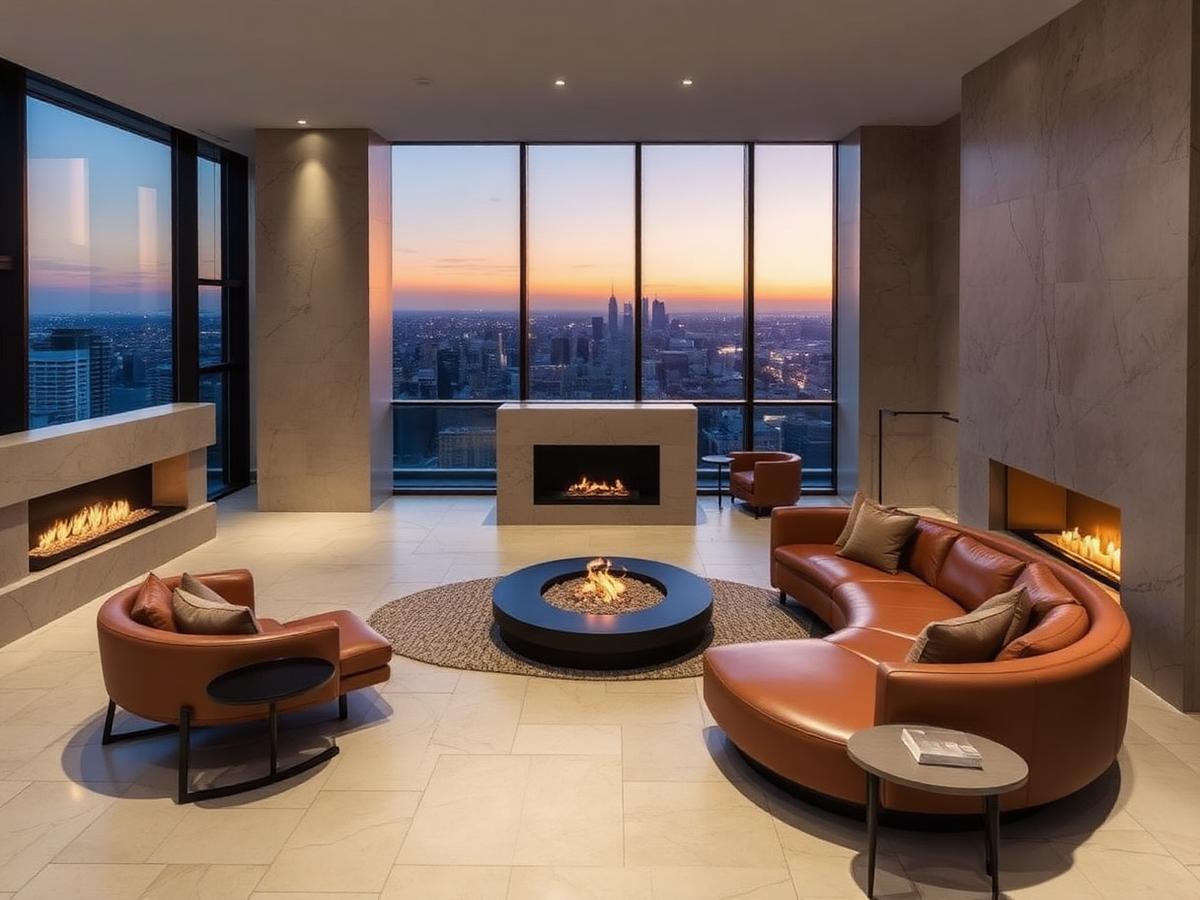
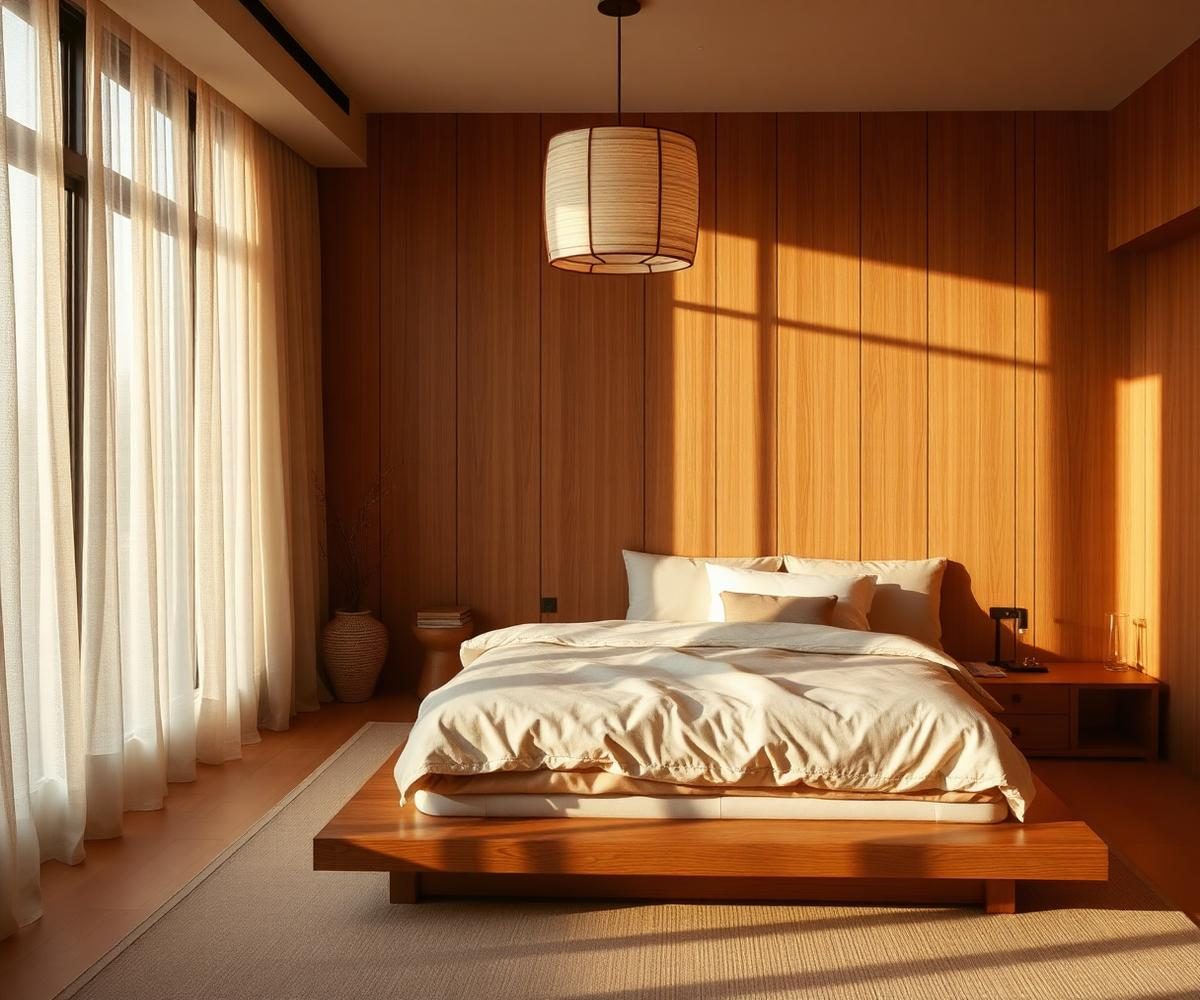
Real examples of what the AI can create. Browse more in the full gallery.
About AI Lighting Designer
Lighting is the invisible layer that makes a room feel expensive or exhausting. The AI Lighting Designer plans ambient, task, and accent lighting on a photo of your real room.
What this designer does
It adds pendants, downlights, wall lights, floor and table lamps, and accent lighting while keeping walls, floors, and furniture in place. You can choose a warm or cool colour temperature.
Who should use it
- Homeowners planning a whole home lighting scheme
- Renovators wiring in downlights and pendants during a refit
- Interior designers presenting lighting plans to clients
- Airbnb hosts fixing dull, single bulb rooms
Best use cases
- Plan a three layer lighting scheme for a living room
- Add task lighting over a kitchen island
- Preview a statement pendant over a dining table
- Design accent lighting for a gallery wall
Before you upload
- Shoot the room with the current lighting turned on
- Include the ceiling in frame
- Avoid direct sunlight that overpowers the existing lights
- Take the photo from the seating position
Tips for better AI results
- Aim for three layers: ambient, task, and accent
- Use 2700K to 3000K warm white for living and sleeping rooms
- Use 3500K to 4000K neutral white for kitchens and offices
- Mention ceiling height in Special Requirements
Recommended design styles
Modern Layered
Recessed downlights plus pendants and floor lamps
Statement
Sculptural pendants as room hero
Hidden
Cove and integrated lighting for a soft glow
Warm Ambient
Table lamps and wall lights for evening rooms
Budget guidance
Estimates below are indicative. The Cost Estimator in your result adjusts to your local currency.
Basic
$300 to $1,500New bulbs, one pendant, table lamps.
Standard
$1,500 to $5,000Multiple pendants, floor lamps, dimmer switches.
Premium
$5,000 to $15,000Full lighting refit with downlights and control.
Luxury
$15,000+Bespoke lighting design with integrated control. Great for lighting statement projects.
Expected rendering results
- Realistic light cast on walls, floors, and furniture
- Correct shadow direction based on fixture placement
- A lighting board with fixture and bulb references
- Cost estimate for fixtures, wiring, and installation
Common mistakes to avoid
- Relying on a single overhead bulb per room
- Mixing very warm and very cool bulbs in the same room
- Skipping dimmer switches
- Ignoring task lighting at the desk, counter, or reading chair
Plan lighting that transforms your home
Upload one photo and preview a full three layer lighting scheme with a cost estimate.
Frequently asked questions
- AI Lighting Designer is a free tool that redesigns the lighting of any room from a single photo, fixtures, brightness, color temperature, shadows and ambience, while preserving the existing layout, walls and furniture.
- Yes. Enable Preserve Furniture and the AI keeps every existing piece of furniture in place, only updating lighting fixtures, mood and brightness.
- Yes. Every AI tool on DecoEpoch, including AI Lighting Designer, is completely free to use with no signup required.
- You can upload JPG, PNG and WEBP images up to 12MB. Bright, straight-on photos of the whole room produce the best lighting results.
- Yes. Pick Luxury or Premium Hotel Lighting as the style to generate chandeliers, cove lighting, layered accent fixtures and hotel-grade ambience.
What is AI Lighting Designer?
Can I redesign lighting without changing furniture?
Is this tool free?
Which image formats are supported?
Can I create luxury lighting?
Related AI designers
AI Interior Design
Upload a photo of any indoor space and redesign it with AI, rooms, styles, palettes, materials, furniture and lighting.
AI Bedroom Design
Upload a photo of your bedroom and get photoreal AI redesigns in seconds.
AI Kitchen Design
AI-powered kitchen redesign with cabinetry, counters and lighting variations.
AI Bathroom Design
Reimagine bathrooms with AI, tiles, vanities and lighting.
AI Material Visualizer
Upload a room or exterior photo and preview different flooring, wall, countertop, cabinet, roof, and exterior materials with AI before renovation.
AI Paint Visualizer
Upload a room or house photo and instantly preview interior or exterior paint colors with AI before painting.
Related articles
Bedroom lighting ideas that make small rooms feel bigger
Small bedrooms don't need more light. They need light in the right layers. Here's how to fix a cramped, flat-lit bedroom with three fixtures and one bulb spec change.
home-interiorA complete guide to home design using AI tools
AI will not design your house for you. It will let you test fifty ideas in an afternoon, which is the part that used to cost money. Here is the workflow I actually use on client projects.
home-officeHow to design a modern home office with AI
Most home offices are a spare bedroom with a desk in it. That's why they don't help you focus. Here's how to design a real one, with AI doing most of the work.