

Basic Room to Modern Interior
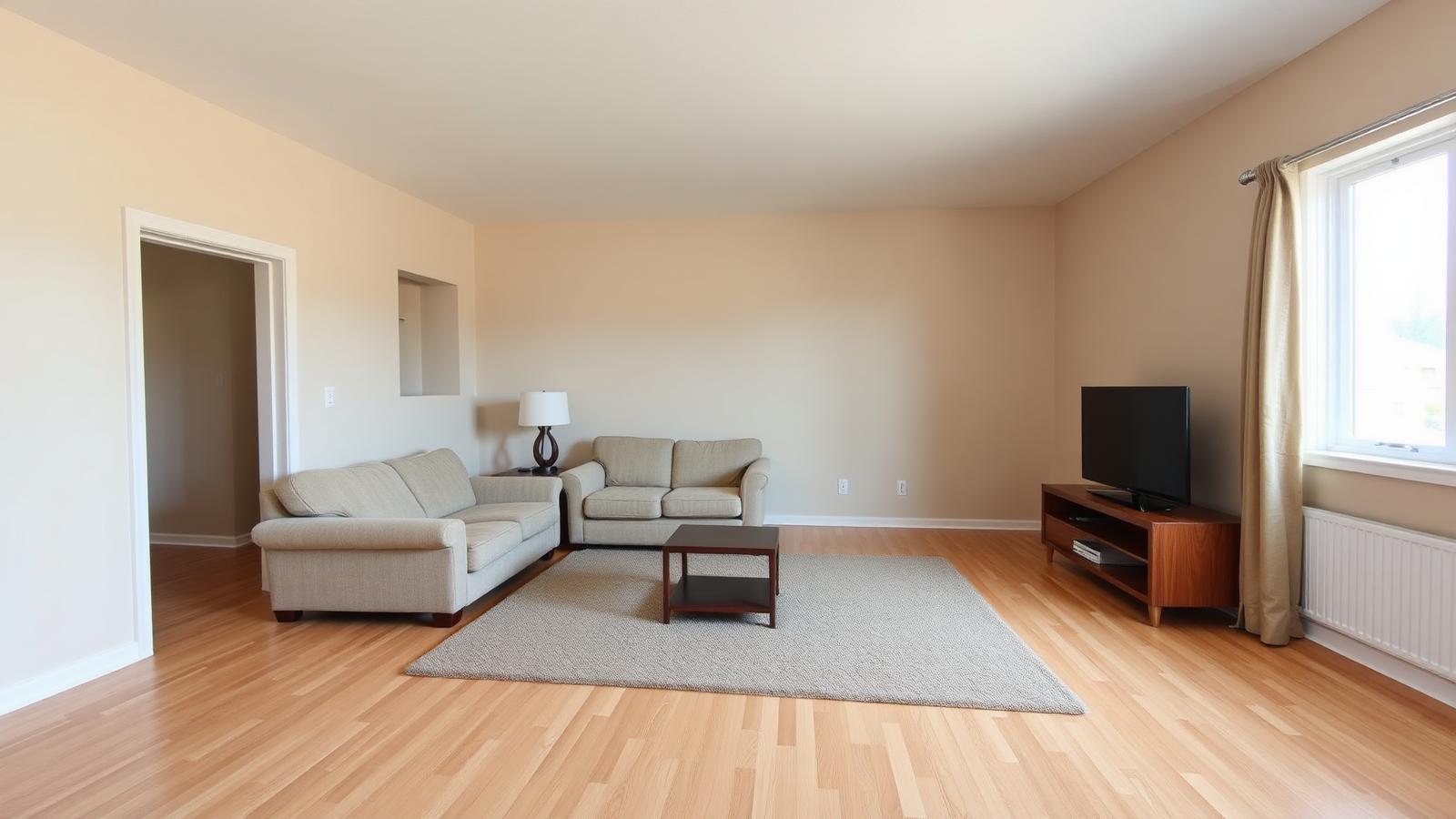
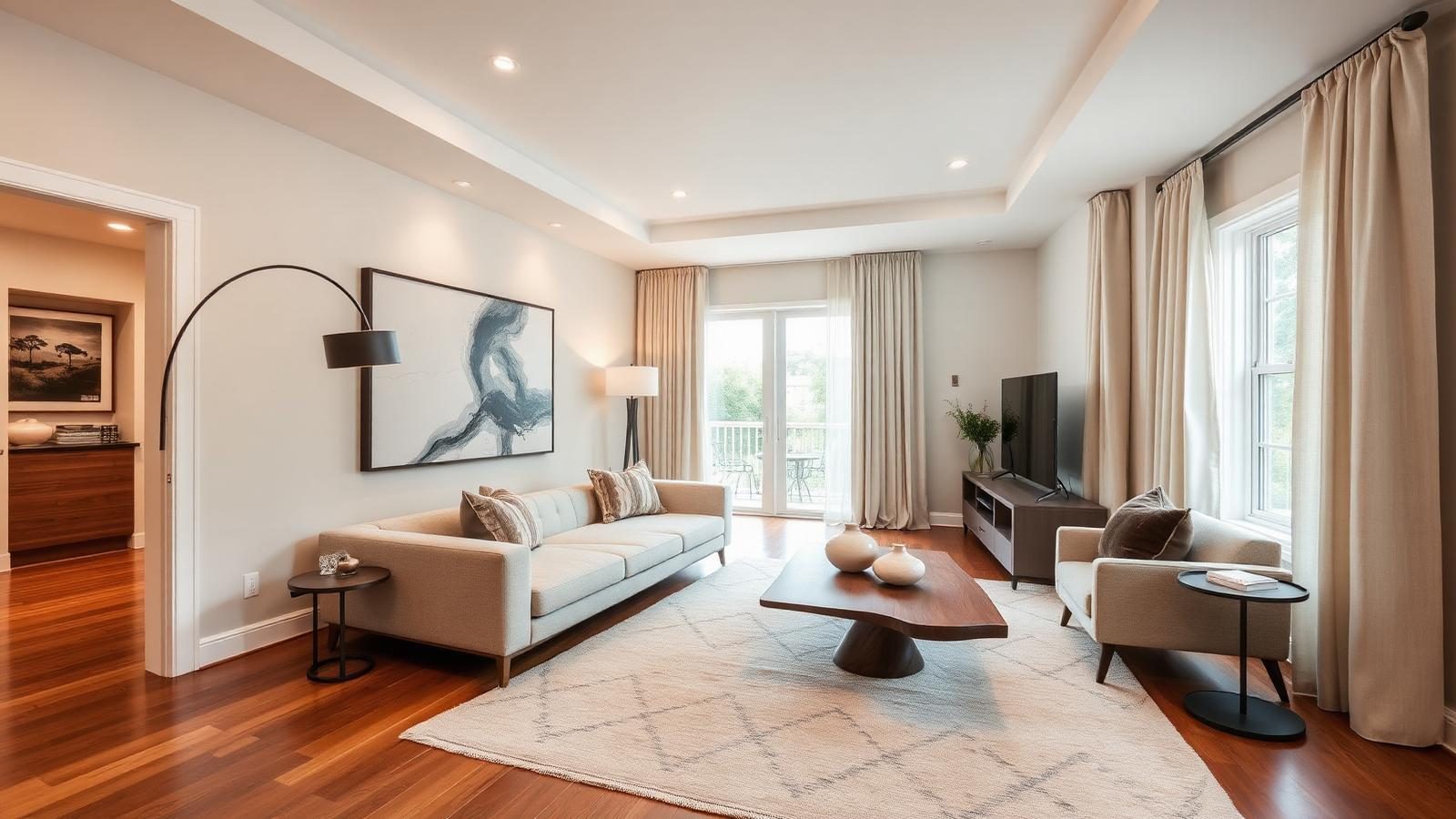
A plain living room redesigned into a sophisticated modern interior with layered lighting and coordinated decor.
Before
After
Upload a photo of any indoor space and use AI to explore a personalized interior redesign. Choose your room type, style, colors, materials, furniture, lighting and budget to create a photorealistic design concept.
Upload a room photo
Drag and drop, or click to browse
JPG, PNG or WEBP. Up to 12 MB. A wide, well-lit photo works best.
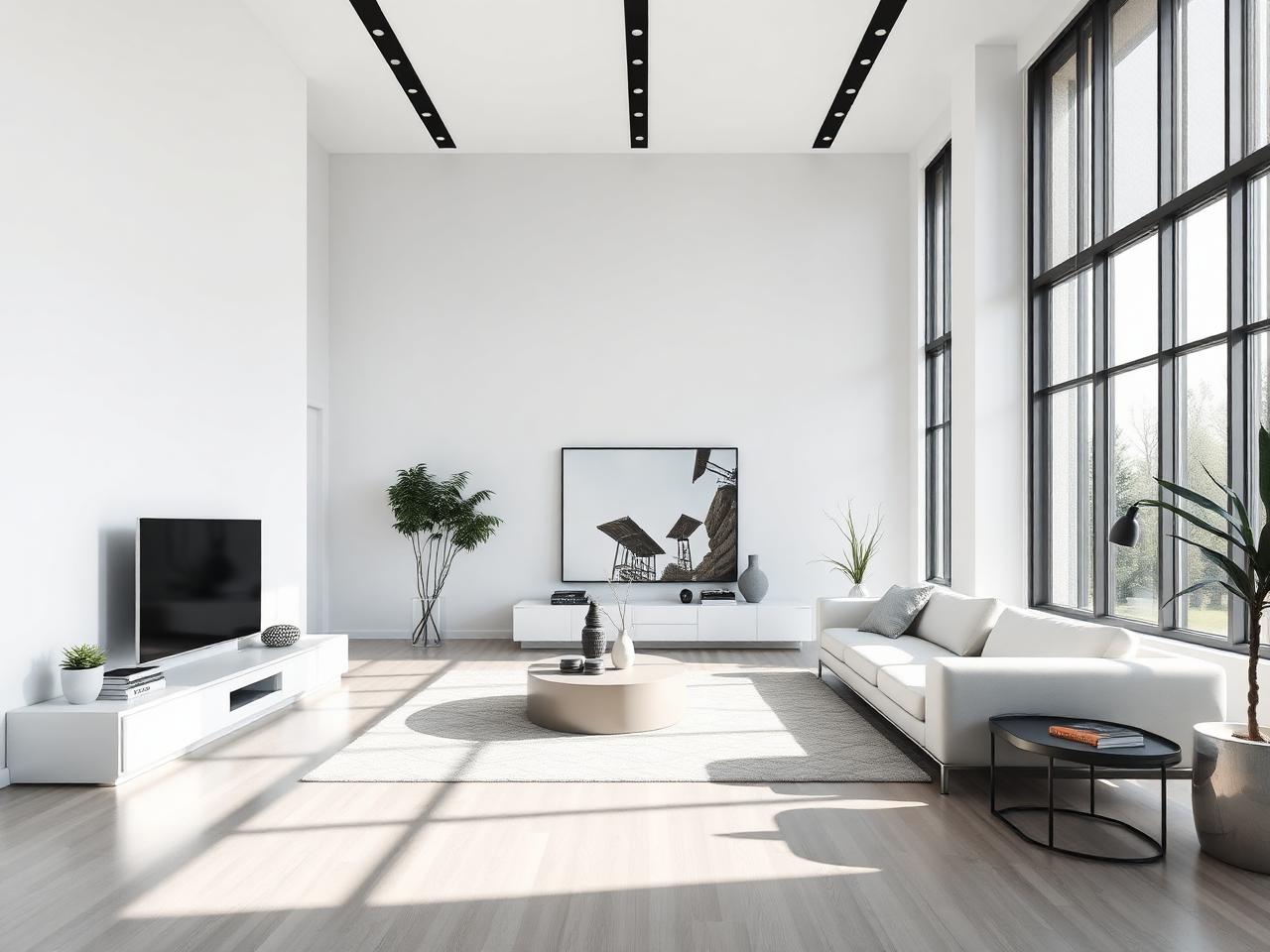
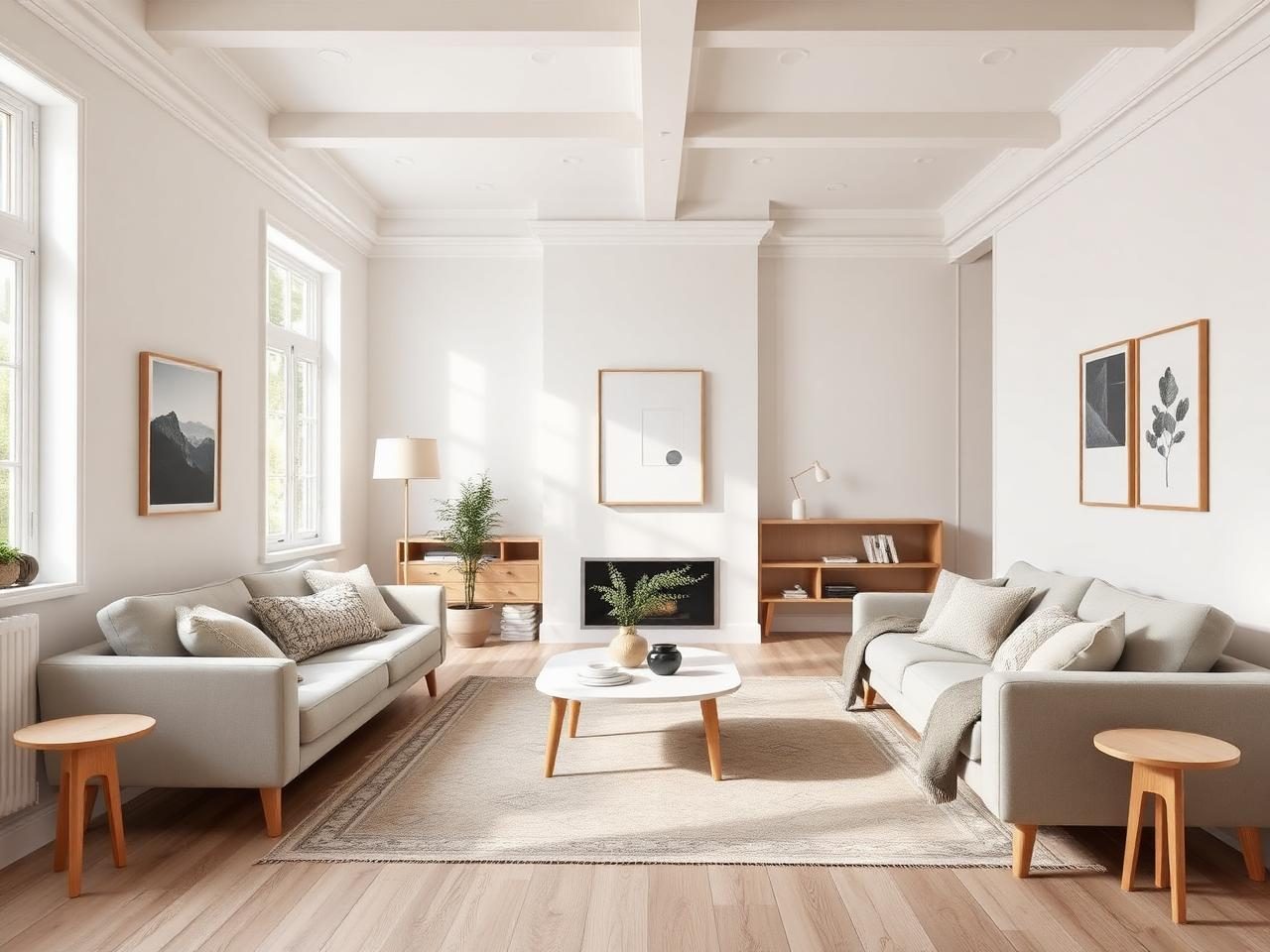
Explore interior design ideas across different styles and spaces, from minimalist and Scandinavian rooms to luxury, industrial and warm natural interiors.
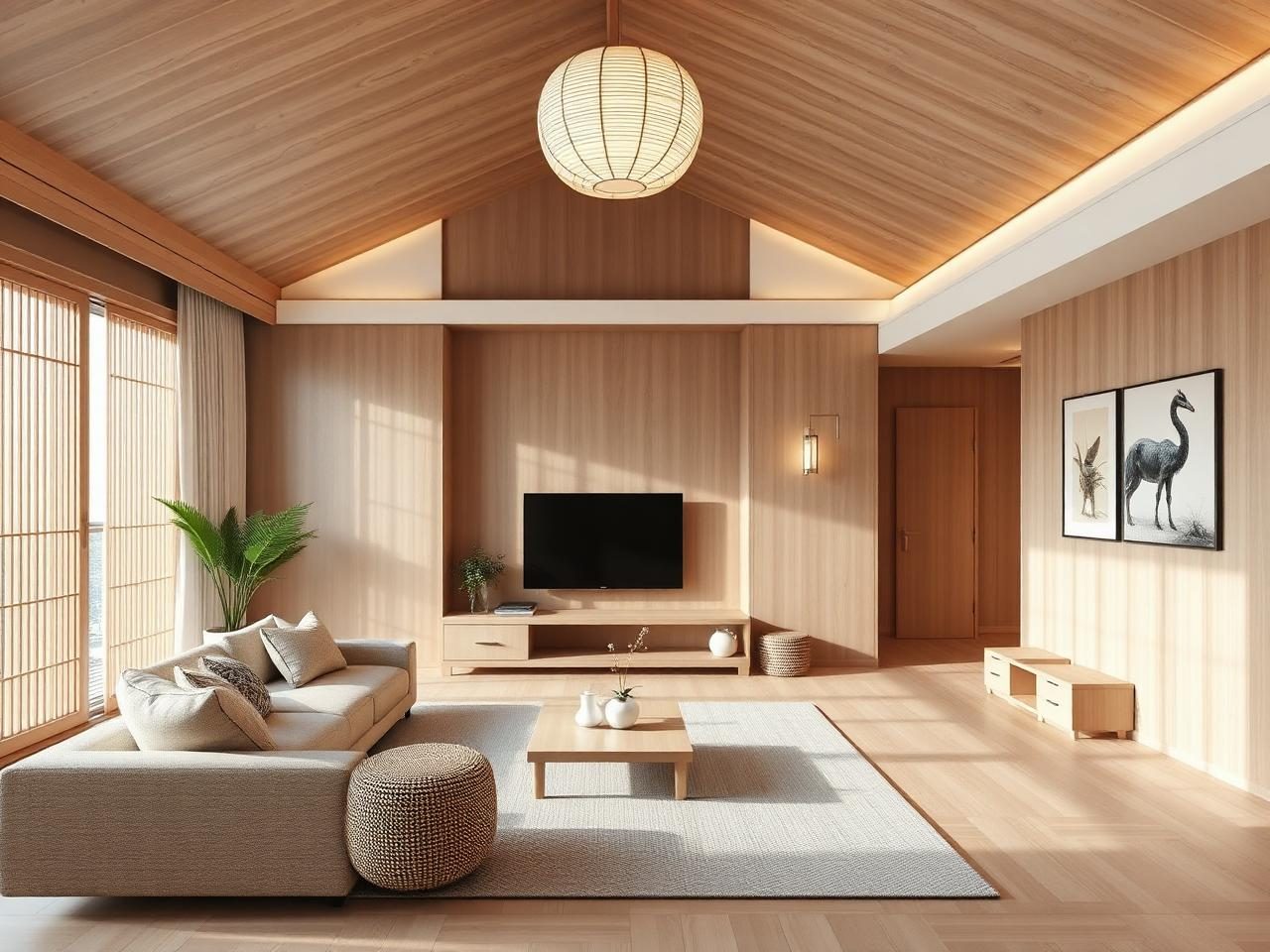
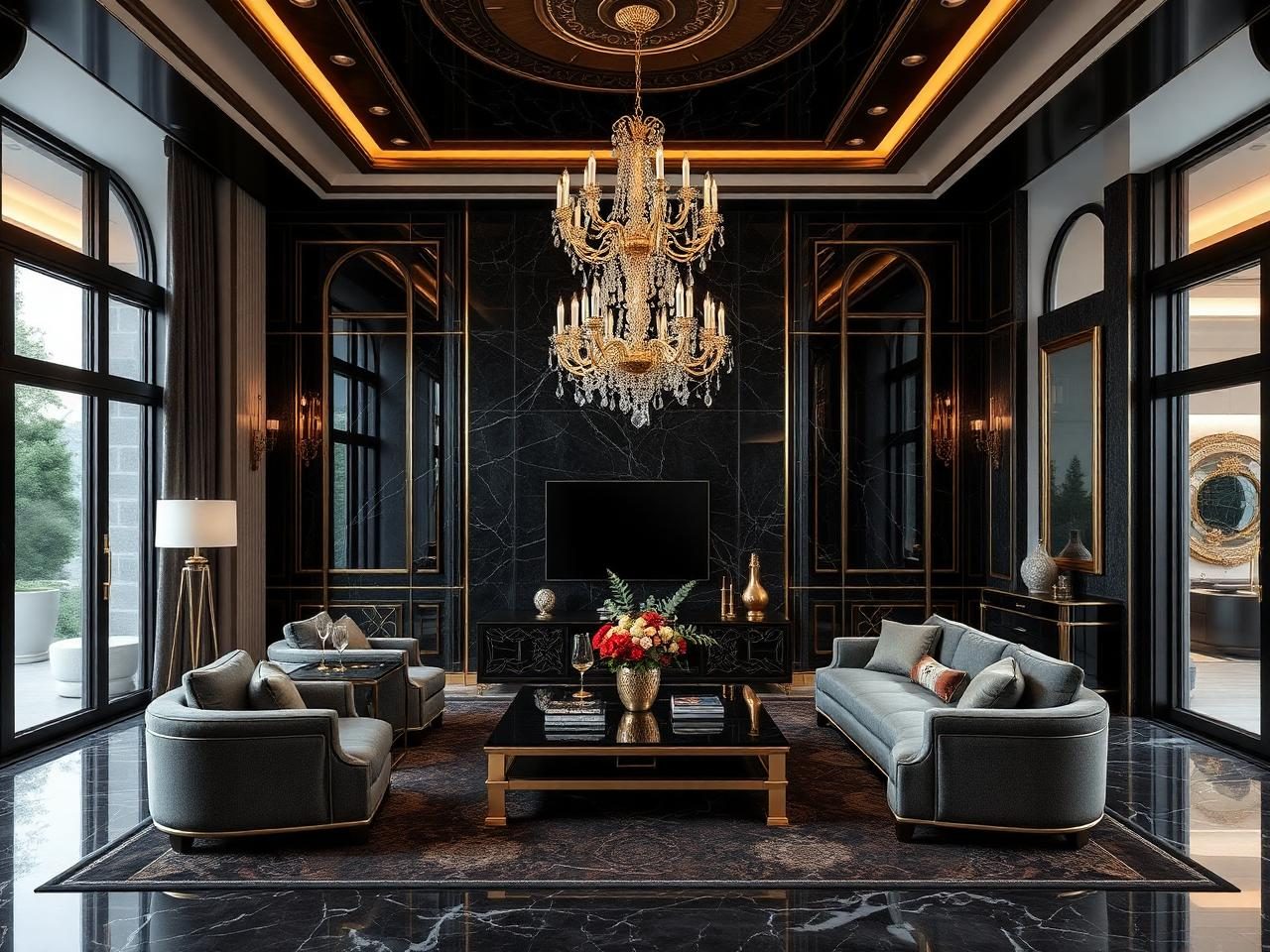
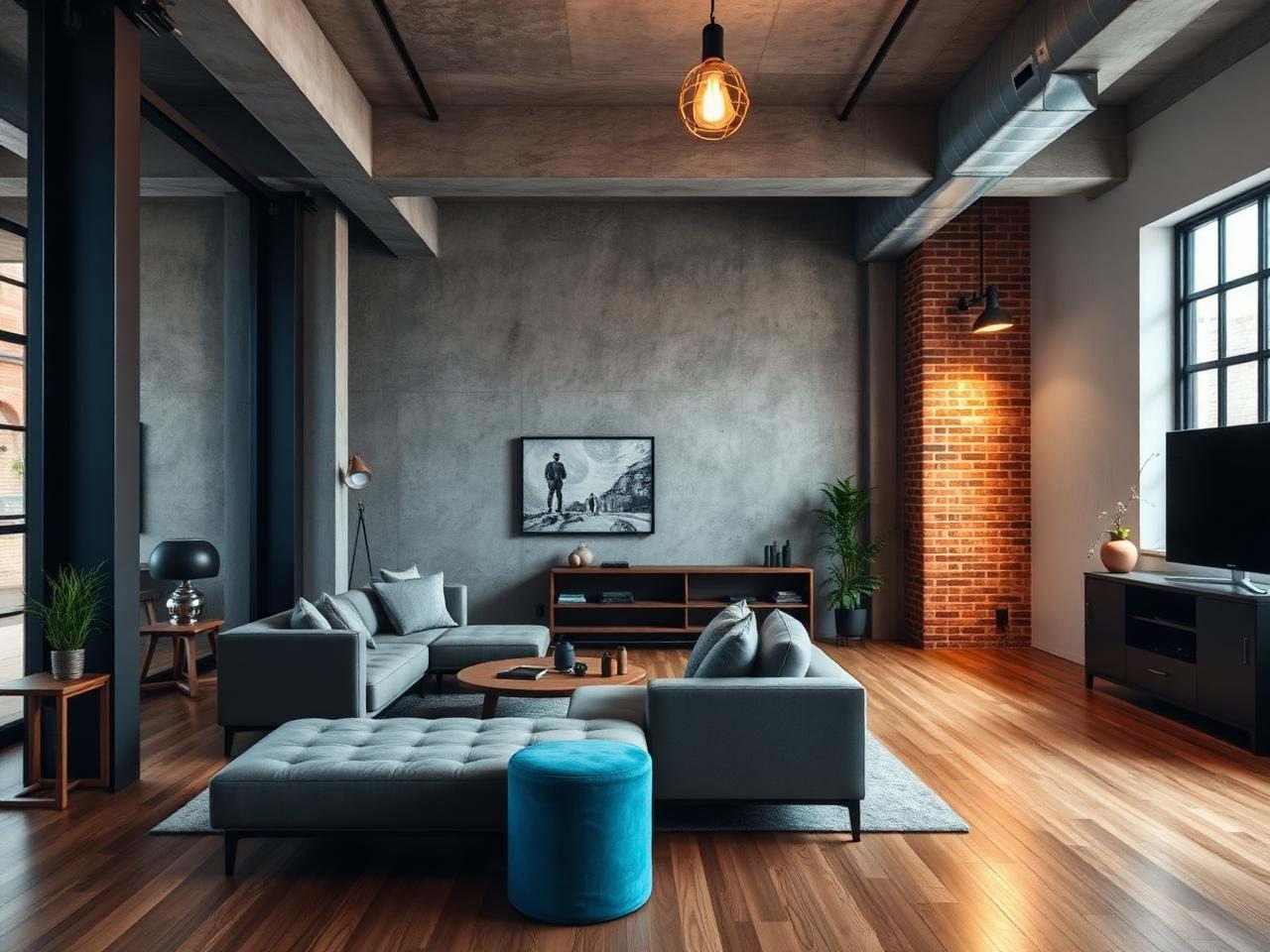
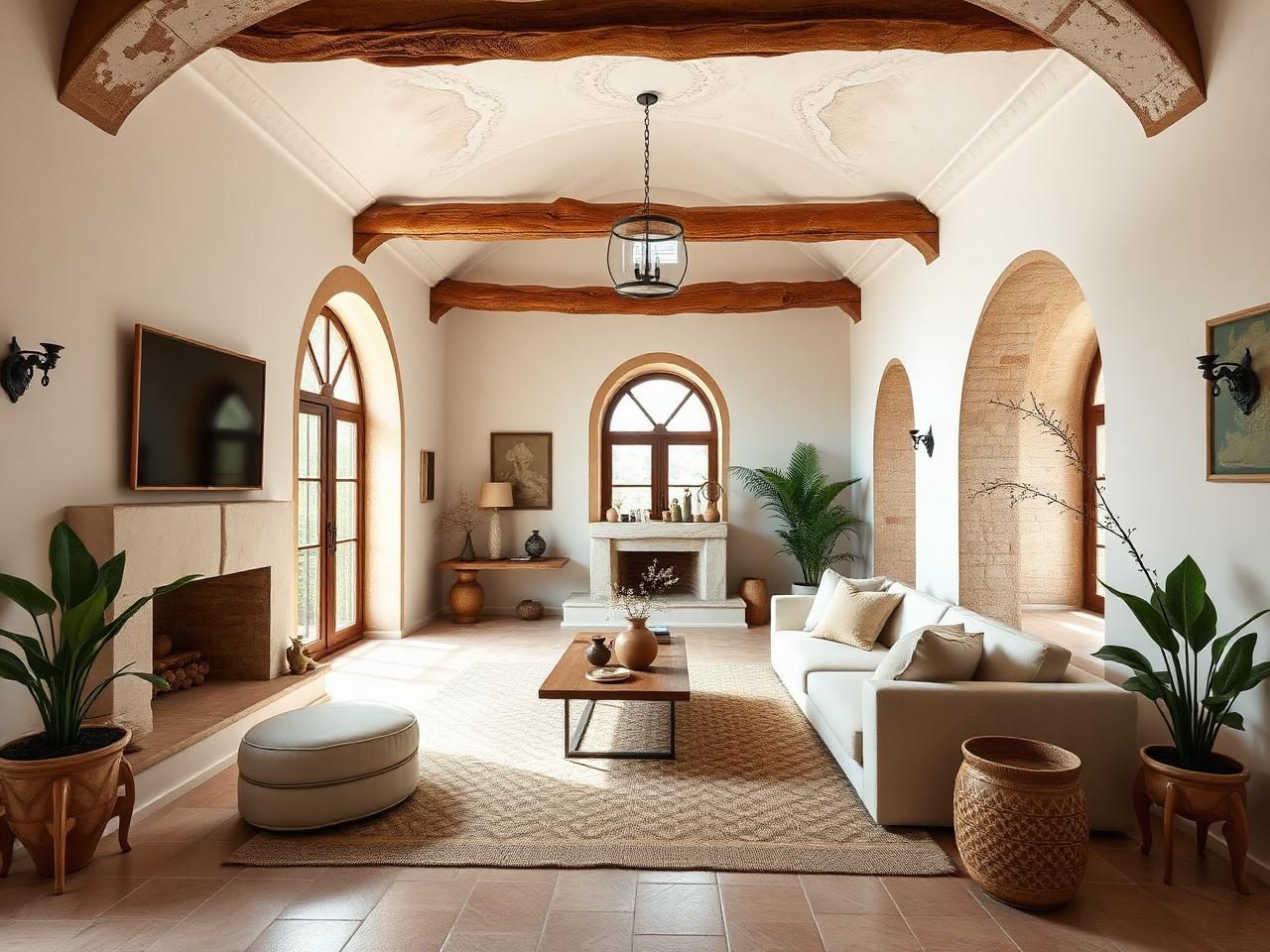
See how AI can transform an existing room into a personalized interior concept while keeping the original architecture and perspective consistent.
A plain living room redesigned into a sophisticated modern interior with layered lighting and coordinated decor.
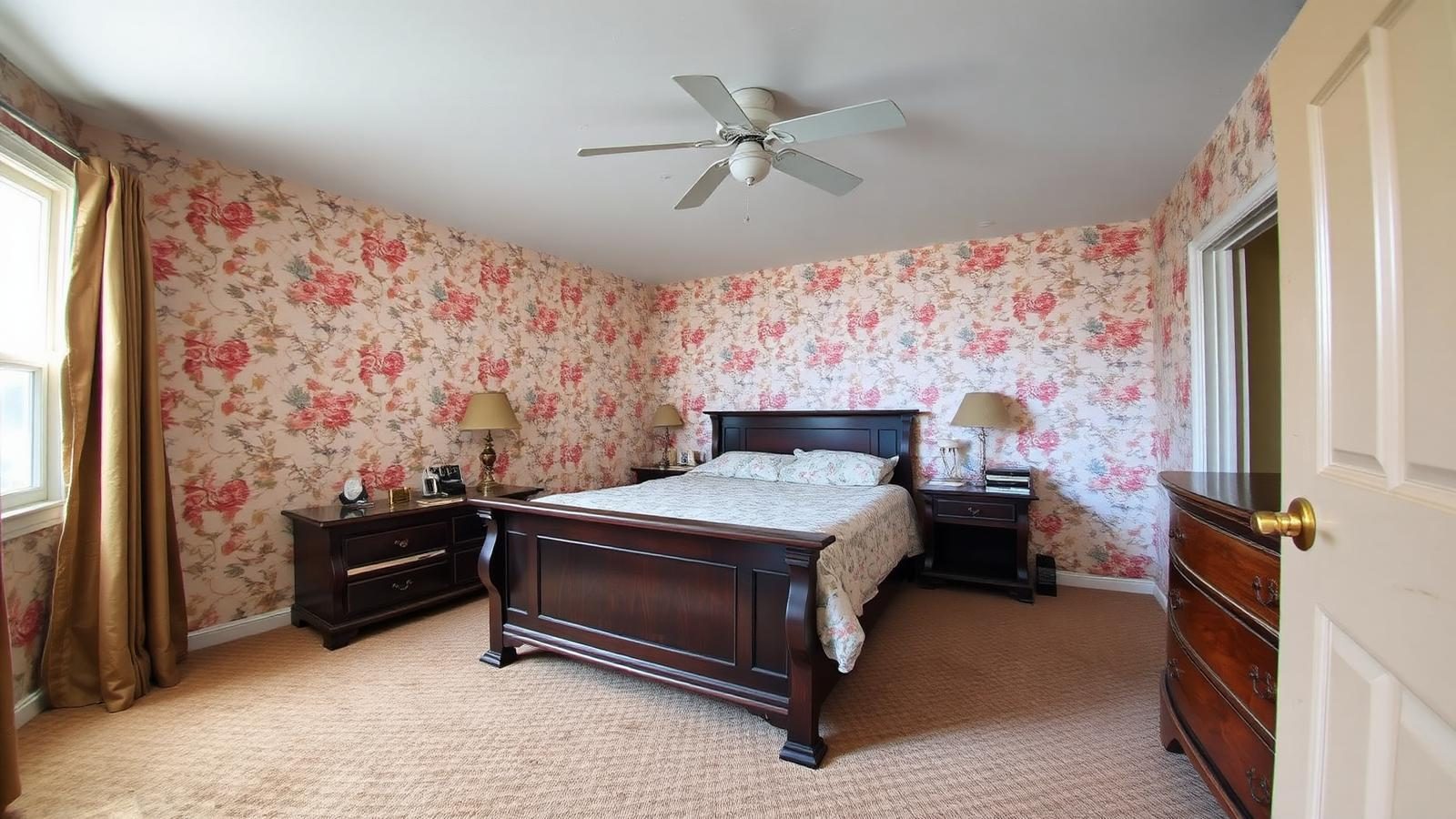
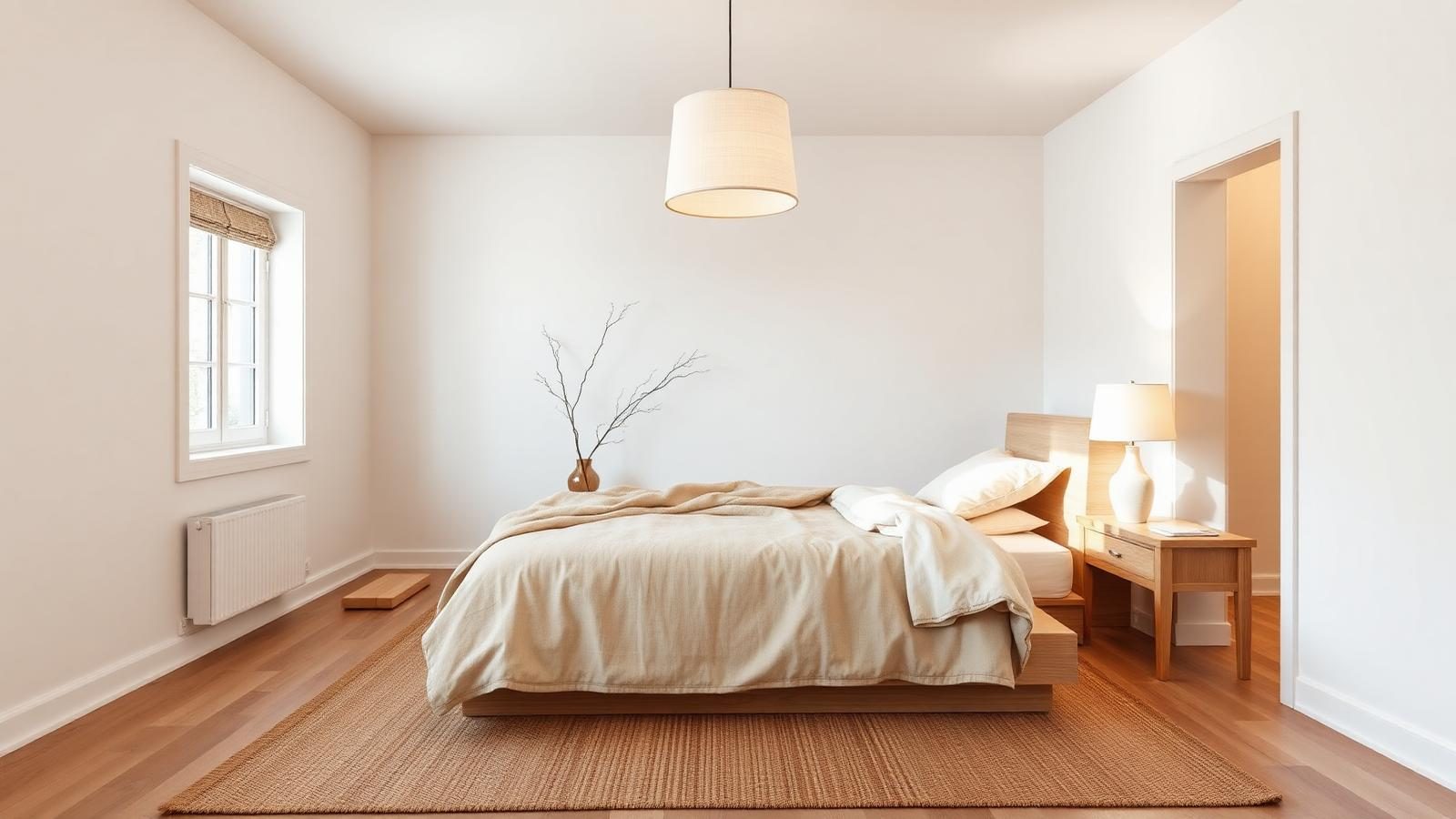
A dated bedroom transformed into a calm Japandi space with warm wood, natural textures and soft neutrals.
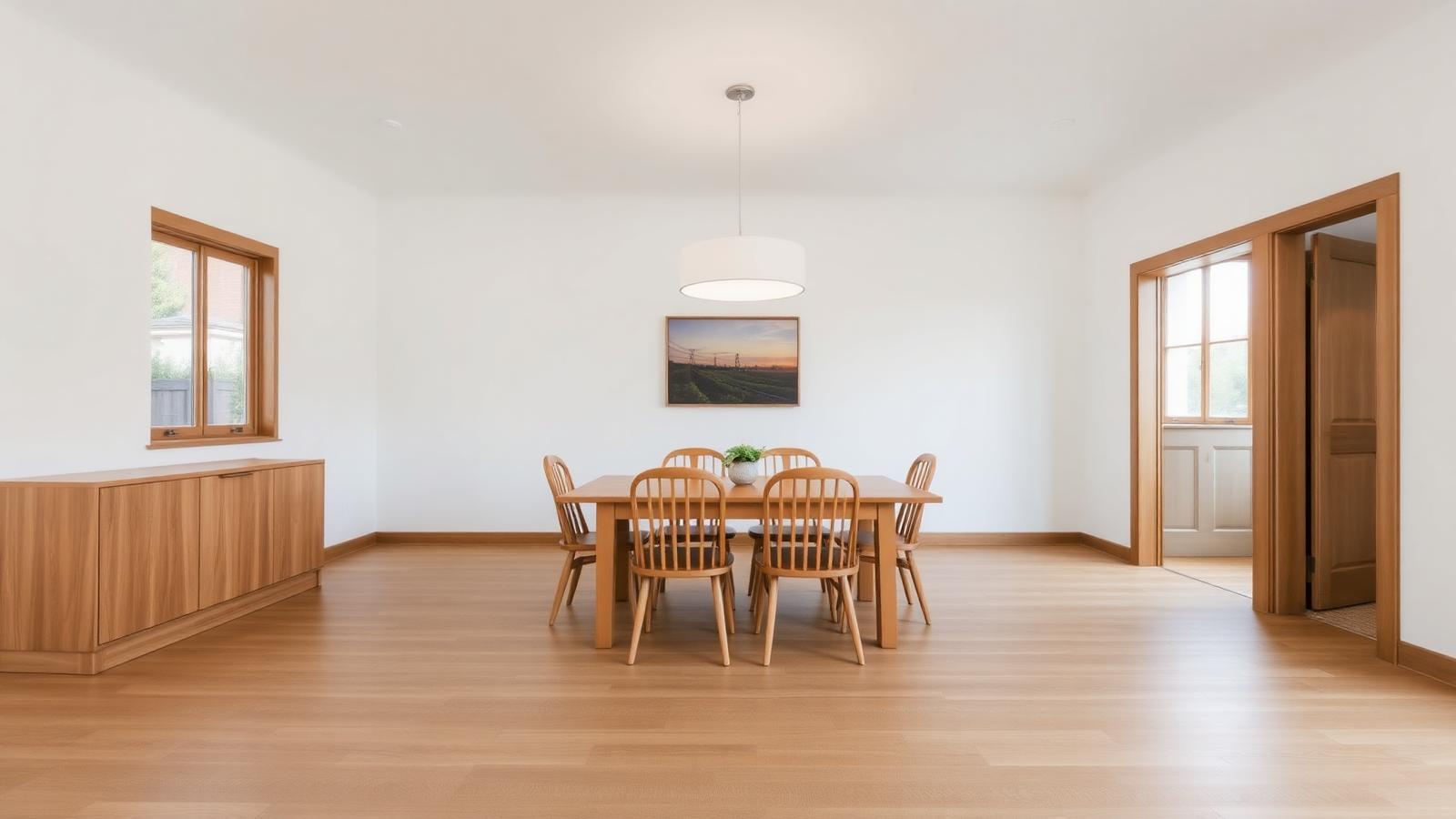
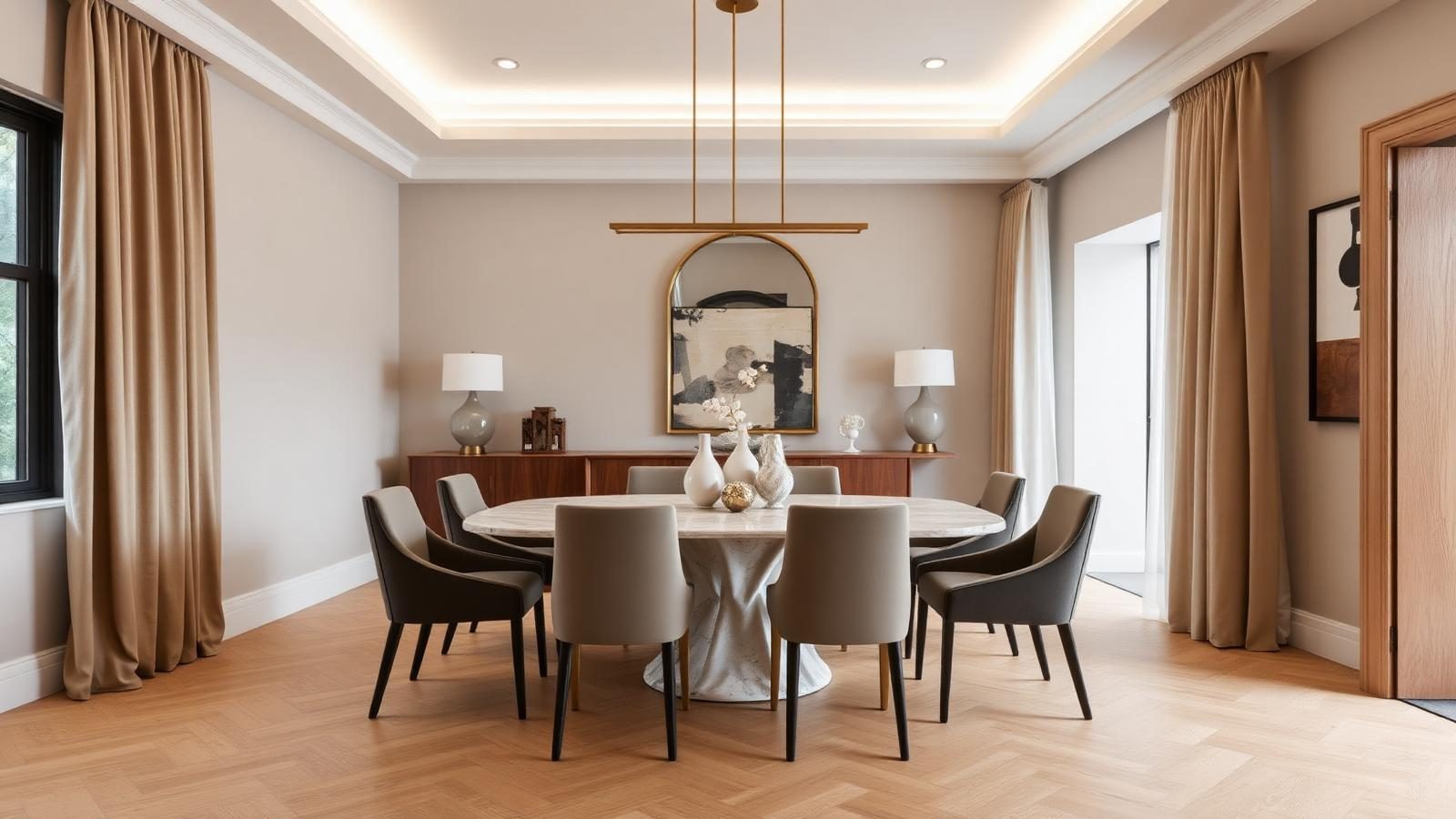
A conventional dining room reimagined as a premium luxury interior with refined materials and statement lighting.
Upload a clear photo showing as much of the interior as possible.
Choose the room type, purpose, style, colors, materials, lighting and budget.
Let AI create a visual redesign based on your selections and uploaded photo.
Review the concept and try different preferences to explore alternative interior ideas.
Swap furniture and rearrange the layout to improve function and flow.
Preview wall colors and finishes to set the tone of the space.
Try new flooring and material combinations across the room.
Explore ceiling ideas and lighting moods that change the atmosphere.
Refresh curtains, rugs and soft furnishings to add warmth.
Visualize storage that keeps the room tidy and organized.
Add artwork and decor that pulls the whole interior together.
Reimagine the entire interior while keeping the room's structure.
The AI Interior Designer is a general-purpose visualization tool for indoor spaces. Upload a photo of an existing room and explore different visual concepts involving furniture, layouts, colors, materials, lighting, flooring, ceilings, textiles and decor.
Generated results are visual design concepts. For major renovation, structural changes, electrical work, plumbing or construction, consult appropriately qualified professionals.
Have a specific room in mind? You can also try our dedicated tools for the bedroom, kitchen, bathroom and living room.
If you know exactly which room you want to redesign, use the specialized tool for more room-specific options.
Refresh a living room with new seating, lighting and layout ideas.
Open toolExplore restful bedroom layouts, palettes and lighting moods.
Open toolTry new cabinetry, materials and lighting for your kitchen.
Open toolPreview tile, vanity and lighting ideas for a modern bathroom.
Open toolVisualize dining tables, lighting and wall finishes together.
Open toolPlan a focused office layout with balanced light and storage.
Open toolClean lines, neutral palette and layered lighting.
Bright interiors with light wood and soft neutrals.
Warm minimalism, natural materials and calm proportions.
Current, refined and quietly sophisticated.
Fewer objects, more breathing room and intent.
Premium finishes, statement lighting and refined materials.
Actual interior design and renovation costs vary significantly by location, room size, labor, furniture, materials, project scope, custom work and installation. Use these tiers as a general guide to scope, not a professional quotation.
Paint, decor, textiles and small lighting updates. Limited furniture change.
Furniture updates, rugs, coordinated lighting and moderate material changes.
Higher-end furniture, premium finishes, custom-looking storage and integrated lighting.
Bespoke-looking furniture, statement lighting, premium natural materials and sophisticated detailing.
Results are visual concepts intended for inspiration and early planning.
AI interior design uses machine learning to turn a photo of a room into a photorealistic visual concept in your chosen style, materials, furniture and lighting, with no design skills required.
You upload a photo, choose your preferences, and the AI generates a redesigned image of the same space that reflects those choices while keeping the original perspective.
Yes. Upload a clear, wide photo of your interior and the AI will produce a redesigned visual based on your selected style and options.
Any indoor space, including living rooms, bedrooms, kitchens, bathrooms, dining rooms, offices, hallways, studios, kids rooms, guest rooms, home theaters and more.
Yes. Use the Furniture preference control to keep, replace, add or minimize furniture, and use Special requirements to name specific pieces to keep.
Yes. Choose Keep Most Existing Furniture and enable Preserve Existing Furniture, then note important pieces in Special requirements.
Yes. Choose Light Refresh and select only Wall Colors, Wall Treatments or Materials in the redesign elements list.
Yes. Generate as many designs as you like, switching styles, palettes and lighting each time to compare ideas side by side.
Yes. Set the space size to Small so the AI selects appropriately scaled furniture and a more efficient layout.
Yes. Choose a lighting mood and optional fixtures to preview how different lighting affects the atmosphere of the room.
Yes. Preserve Windows and Preserve Doors are on by default, and you can also preserve the room structure, walls, floor, ceiling and architectural features.
Yes. Every AI tool on DecoEpoch, including the AI Interior Designer, is free to use with no signup or payment required.
You can upload JPG, PNG and WEBP images up to 12 MB. A well-lit wide photo taken from a corner or doorway produces the best results.
No. The results are visual concepts. For renovation, structural work, electrical or plumbing, consult qualified professionals.
Upload a photo of your bedroom and get photoreal AI redesigns in seconds.
AI-powered kitchen redesign with cabinetry, counters and lighting variations.
Reimagine bathrooms with AI, tiles, vanities and lighting.
AI-powered living room redesigns with furniture layout suggestions.
Upload a dining room photo and generate photoreal redesigns with new tables, chairs, lighting and wall finishes.
Upload a photo of your home office, corporate office, coworking space, conference room, reception, or commercial workspace and generate professional AI office designs with modern layouts, furniture, lighting, storage, collaboration areas, and productivity-focused interiors.
Most renovations blow the budget for the same reason: people plan for what they'll spend, not what they'll be asked to spend. Here's how to build a budget that survives contact with reality.
Small bedrooms don't need more light. They need light in the right layers. Here's how to fix a cramped, flat-lit bedroom with three fixtures and one bulb spec change.
White kitchens are safe. They're also everywhere. Here are 8 kitchen color combinations that still look modern, plus the one rule about undertones almost nobody follows.