

Free AI Window Designer
Upload a photo and preview new windows on your home or room. Frames, glass, grids and sizes rendered in seconds. Free, no signup required.
AI Window Designer
Upload a photo
Drag and drop, or click to browse
JPG, PNG or WEBP. Up to 12 MB. A well lit photo works best.
Choose a style
Advanced settings
Result
Inspiration gallery
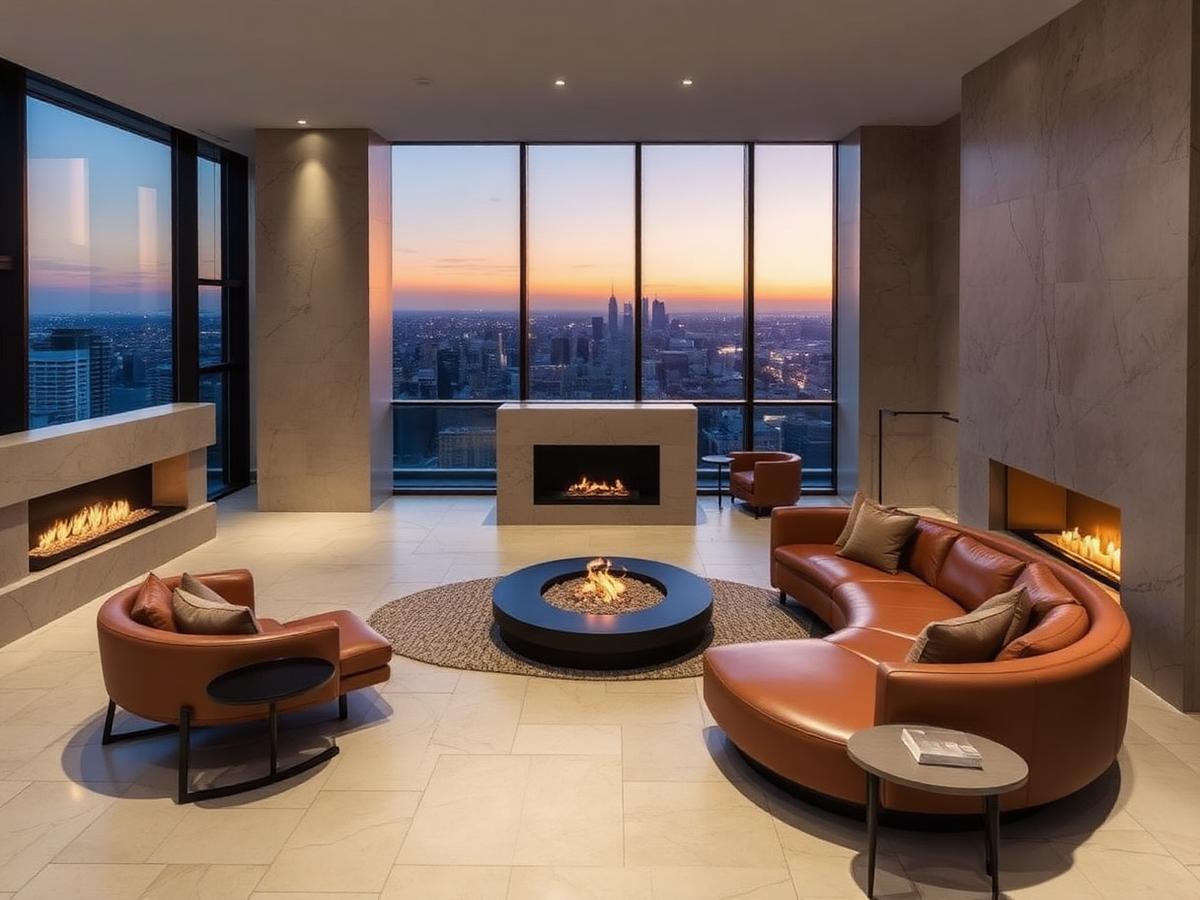
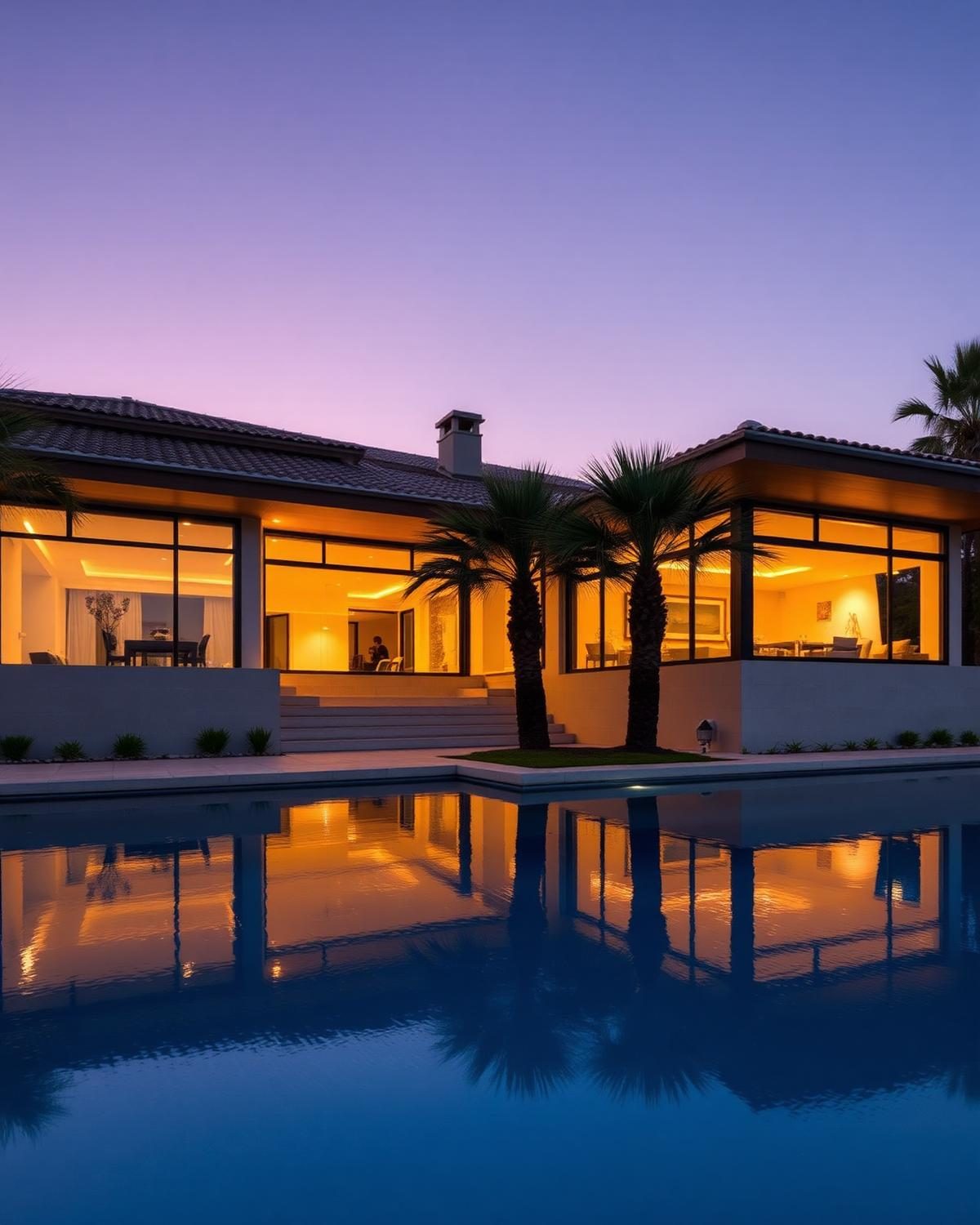
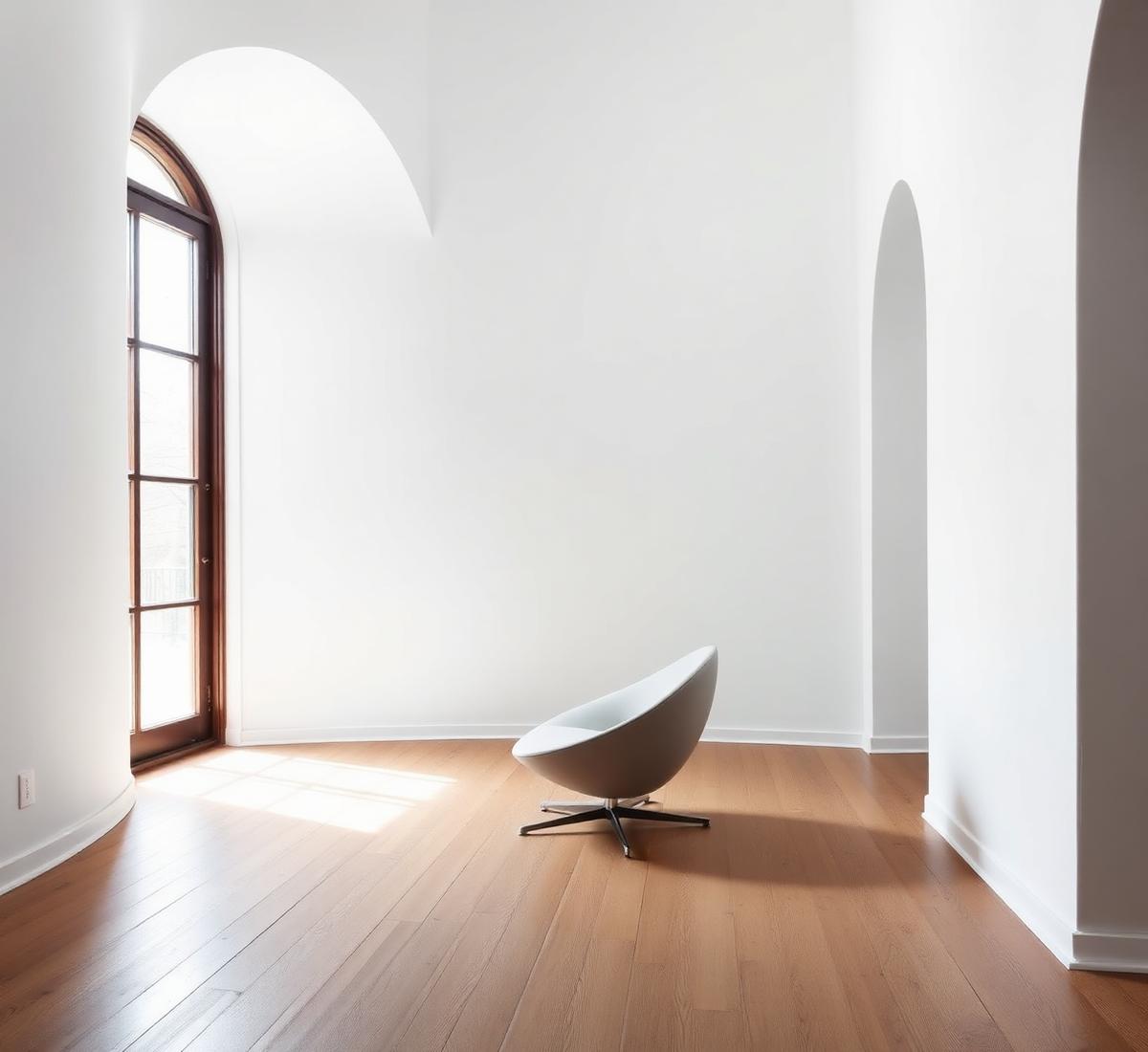
Real examples of what the AI can create. Browse more in the full gallery.
About AI Window Designer
Windows shape the daylight and the elevation of every room. The AI Window Designer previews new frame styles, glazing patterns, and window shapes on a photo of your existing openings.
What this designer does
It replaces sashes, frames, mullions, and glazing bars while keeping the opening size and the wall around it intact. You can preview steel, timber, or aluminium in various colours.
Who should use it
- Homeowners replacing tired uPVC windows
- Renovators choosing between casement, sash, and tilt turn
- Architects presenting glazing options
- Property investors upgrading elevations
Best use cases
- Preview slim steel look frames in an open plan kitchen
- Replace uPVC casements with timber sash windows
- Test crittall style internal doors as room dividers
- Compare black versus bronze frames on the same facade
Before you upload
- Shoot straight on with the full window in frame
- Include the wall around the window for context
- Take the photo in daylight for accurate reflections
- Clear curtains and blinds off the window
Tips for better AI results
- Match new window style to the age of the building
- Preserve the opening size unless you plan structural work
- Mention conservation area rules in Special Requirements
- Test frames in dark and light finishes
Recommended design styles
Slim Steel Look
Slim aluminium with tight mullions
Timber Sash
Traditional vertical sliders
Tilt and Turn
European style with clean lines
Fixed Picture
Large uninterrupted glass for views
Budget guidance
Estimates below are indicative. The Cost Estimator in your result adjusts to your local currency.
Basic
$400 to $1,000 per windowuPVC replacements, standard sizes.
Standard
$1,000 to $2,500 per windowAluminium or engineered timber, fitted.
Premium
$2,500 to $6,000 per windowSteel look or premium timber sash, fitted.
Luxury
$6,000+ per windowBespoke steel or heritage timber with survey and installation. Great for window statement projects.
Expected rendering results
- Windows rendered with correct reflection and mullion detail
- Wall openings preserved to the same size
- A glazing board with frame and finish references
- Cost estimate per window plus installation
Common mistakes to avoid
- Replacing period sashes with uPVC casements
- Choosing very thin mullions in a windy exposed elevation
- Ignoring planning rules in listed or conservation areas
- Skipping trickle vents in modern replacements
Redesign your windows before you order
Upload one photo and preview steel look, timber, or aluminium frames in seconds.
Frequently asked questions
- AI Window Designer is a free tool that redesigns only the windows of any room or exterior photo, sliding, casement, bay, picture, French, panoramic and luxury glass, with realistic frames, glass reflections and lighting.
- Yes. Enable Preserve Walls, Preserve Doors, Preserve Flooring, Preserve Furniture and Preserve Landscaping and the AI only updates the windows.
- Sliding, casement, awning, fixed, bay, bow, picture, French, folding, corner, skylight and floor-to-ceiling glass.
- Yes. Every AI tool on DecoEpoch, including AI Window Designer, is completely free to use with no signup required.
- JPG, PNG and WEBP up to 12MB. Photos that clearly show the existing windows in one frame produce the best results.
What is AI Window Designer?
Can AI replace only the windows?
Which window styles are supported?
Is this tool free?
Which image formats work best?
Related AI designers
AI Wall Designer
Upload any room photo and redesign only the walls with AI, paint, wallpaper, wood panels, stone cladding, decorative panels and luxury feature walls.
AI Flooring Designer
Upload any room photo and redesign only the flooring with AI, hardwood, marble, tile, vinyl, laminate, stone and luxury flooring with realistic textures and patterns.
AI Ceiling Designer
Upload any room photo and redesign only the ceiling with AI, modern, POP, gypsum, wooden, coffered, tray and luxury ceiling designs with cove lighting and decorative finishes.
AI Material Visualizer
Upload a room or exterior photo and preview different flooring, wall, countertop, cabinet, roof, and exterior materials with AI before renovation.
AI Interior Design
Upload a photo of any indoor space and redesign it with AI, rooms, styles, palettes, materials, furniture and lighting.
AI Exterior Design
Reimagine home exteriors, facades and landscaping with AI.
Related articles
A complete guide to home design using AI tools
AI will not design your house for you. It will let you test fifty ideas in an afternoon, which is the part that used to cost money. Here is the workflow I actually use on client projects.
home-officeHow to design a modern home office with AI
Most home offices are a spare bedroom with a desk in it. That's why they don't help you focus. Here's how to design a real one, with AI doing most of the work.
lightingBedroom lighting ideas that make small rooms feel bigger
Small bedrooms don't need more light. They need light in the right layers. Here's how to fix a cramped, flat-lit bedroom with three fixtures and one bulb spec change.