

Free AI Paint Visualizer
Upload a room or exterior photo and preview new paint colours instantly with photoreal AI. Free, no signup required.
AI Paint Visualizer
Upload a photo
Drag and drop, or click to browse
A clear, well-lit photo with visible walls or surfaces gives the best results. JPG, PNG or WEBP up to 12 MB.
Choose what to paint
Precise surface selection depends on what the AI can detect. Add a note in Special requirements for the best result.
Choose your paint color
Paint finish
Advanced settings
Result
AI paint previews are for visualization purposes. Actual paint colors may appear different depending on lighting, screen settings, wall texture, paint finish and the physical paint product. Always test a real paint sample before making a final decision.
AI Paint Visualizer Examples
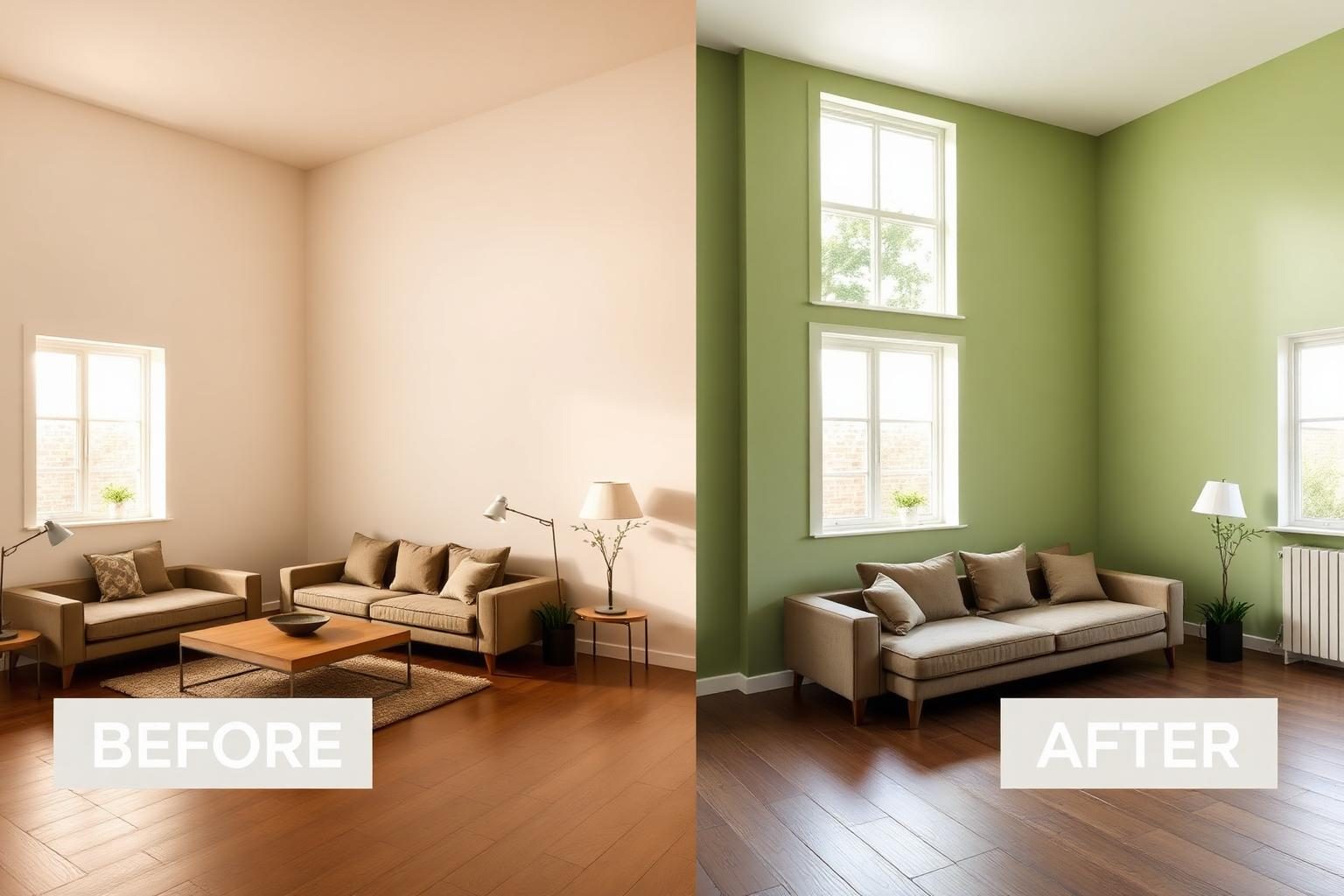
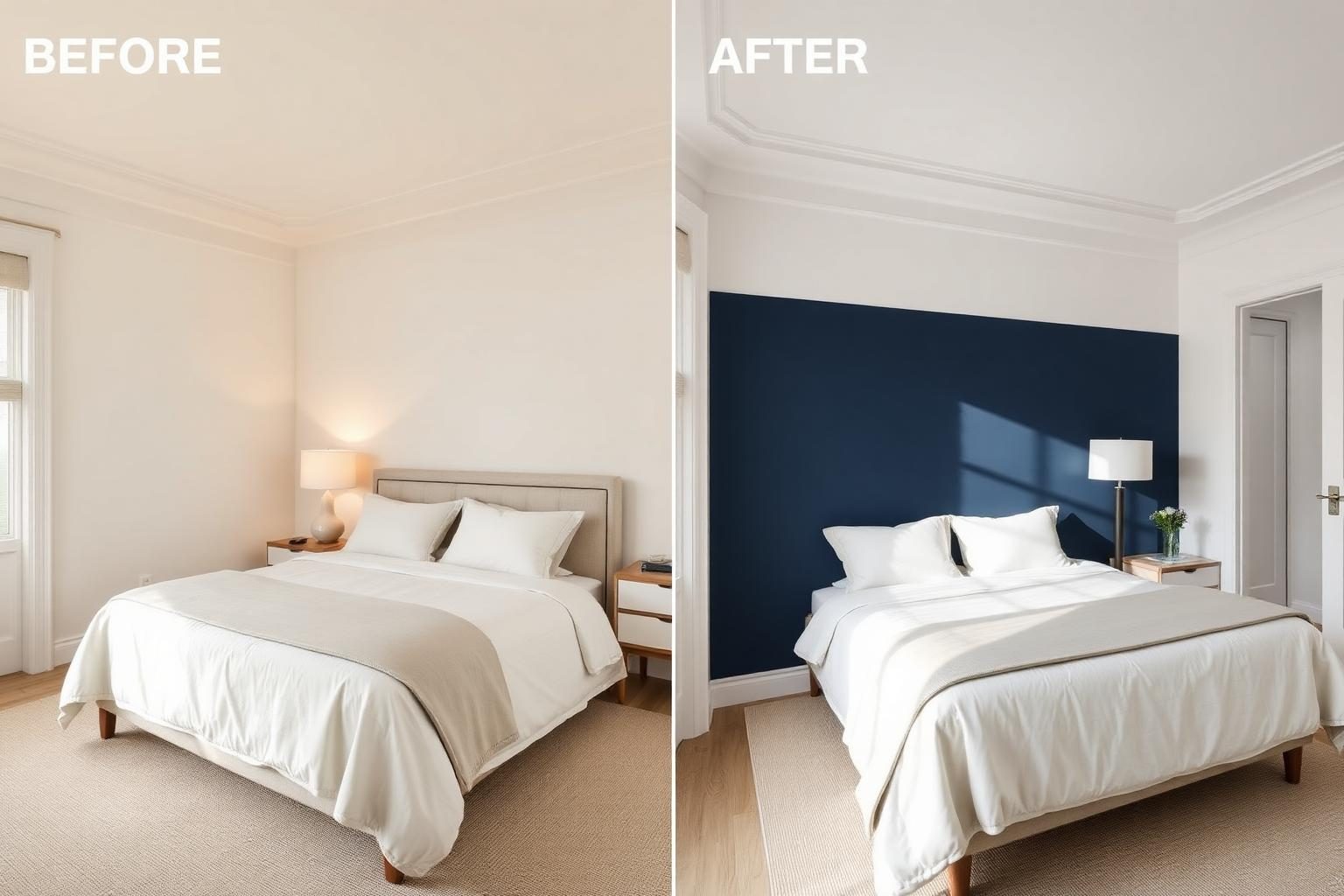
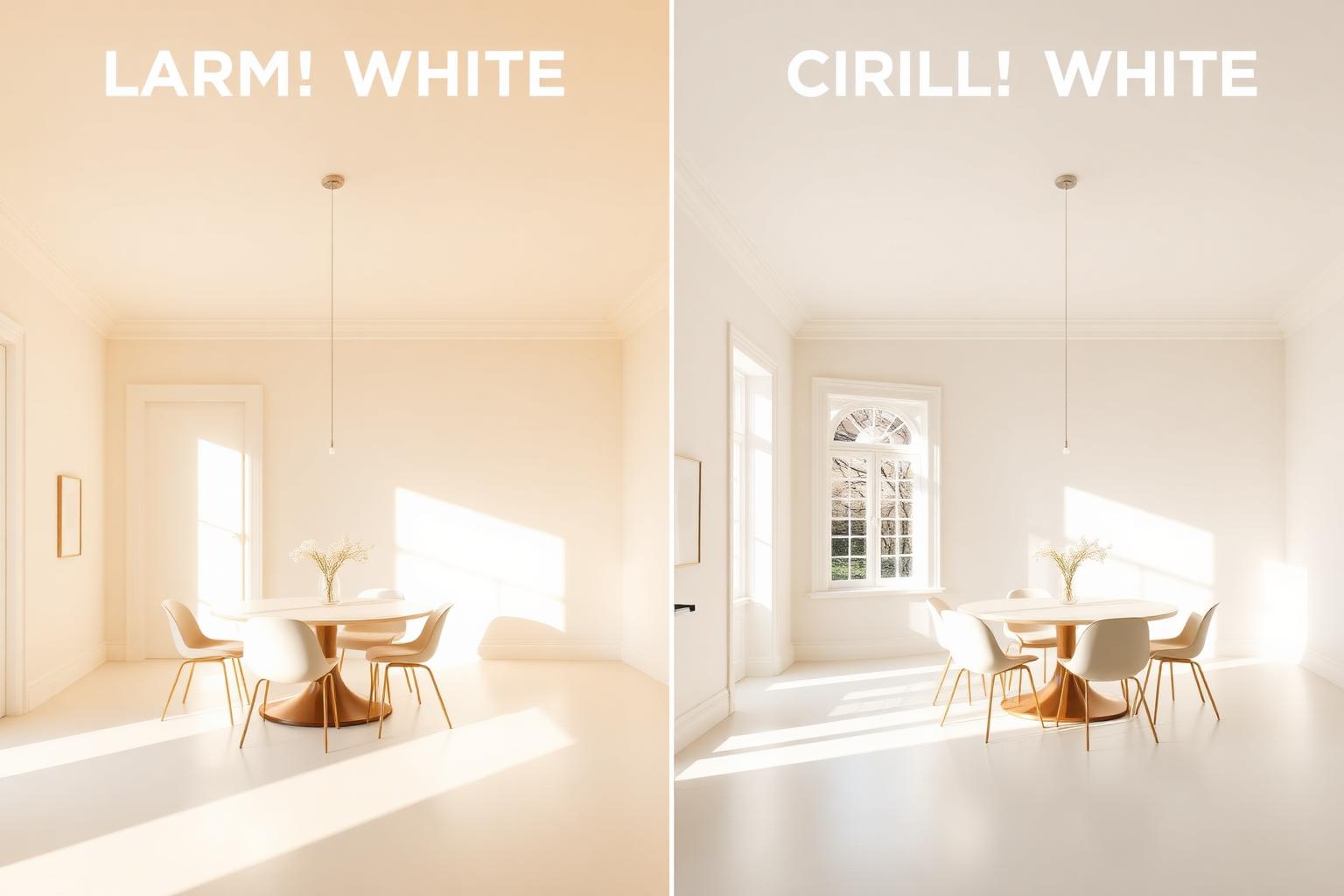
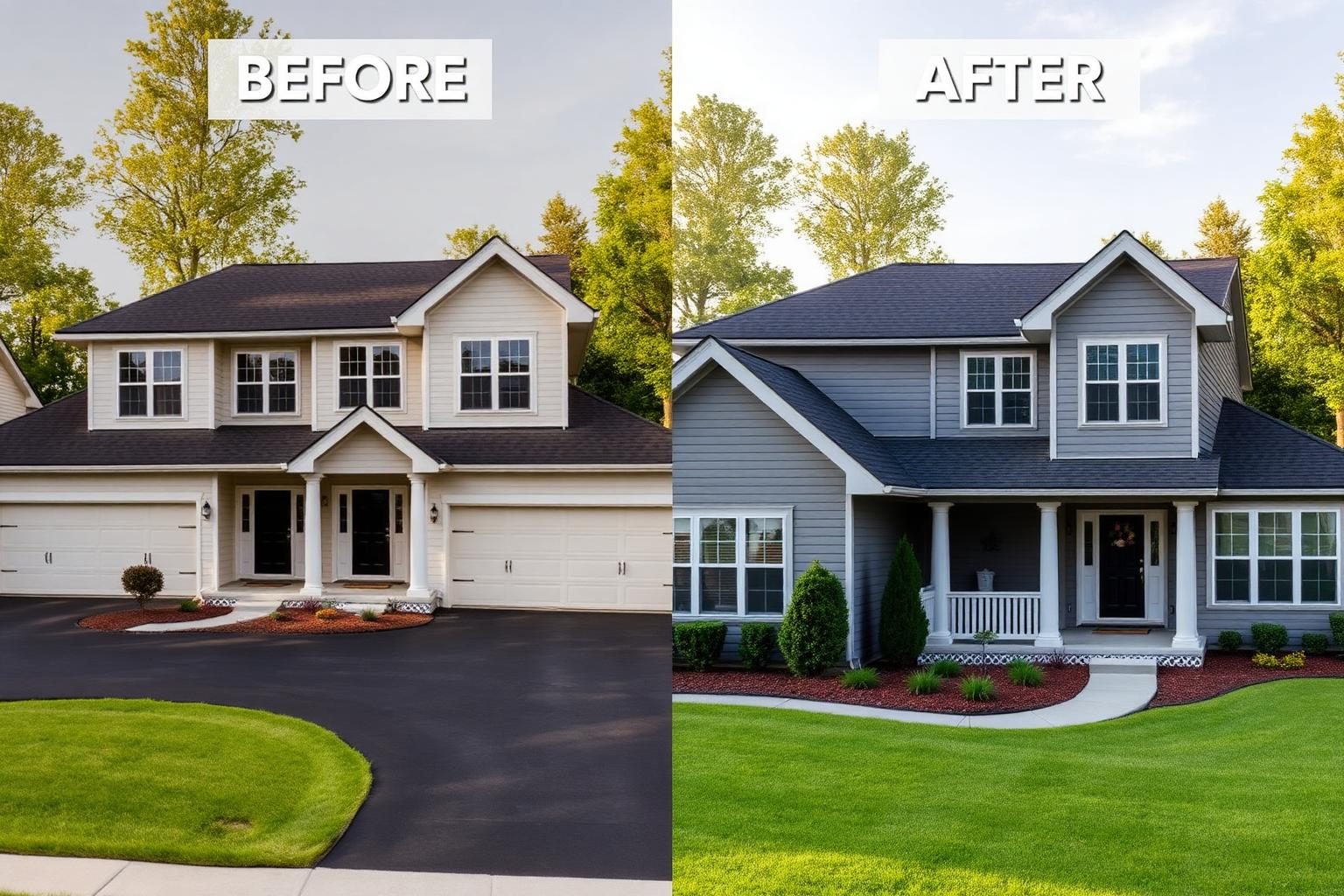
See how different paint colors can transform the same room or exterior.
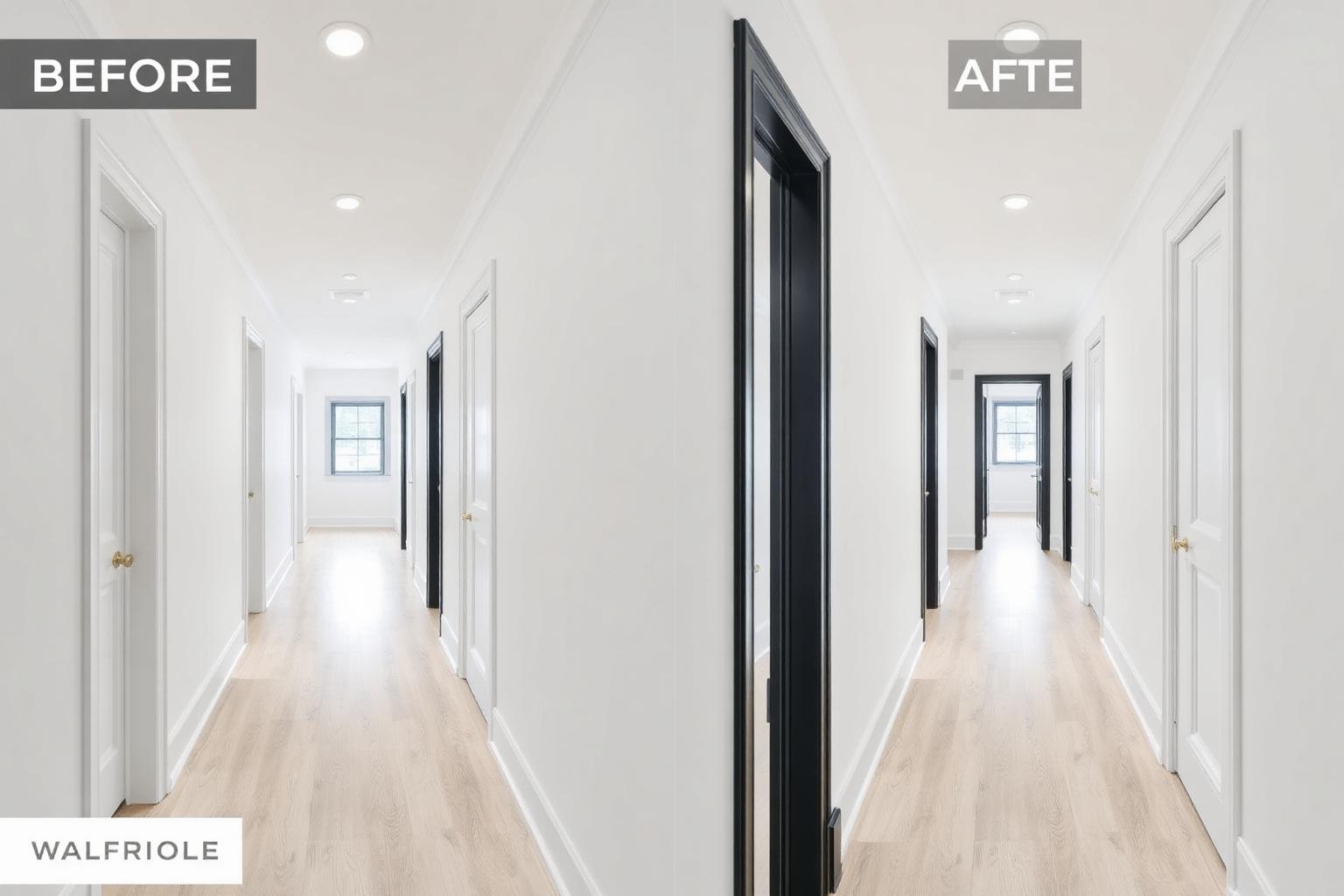
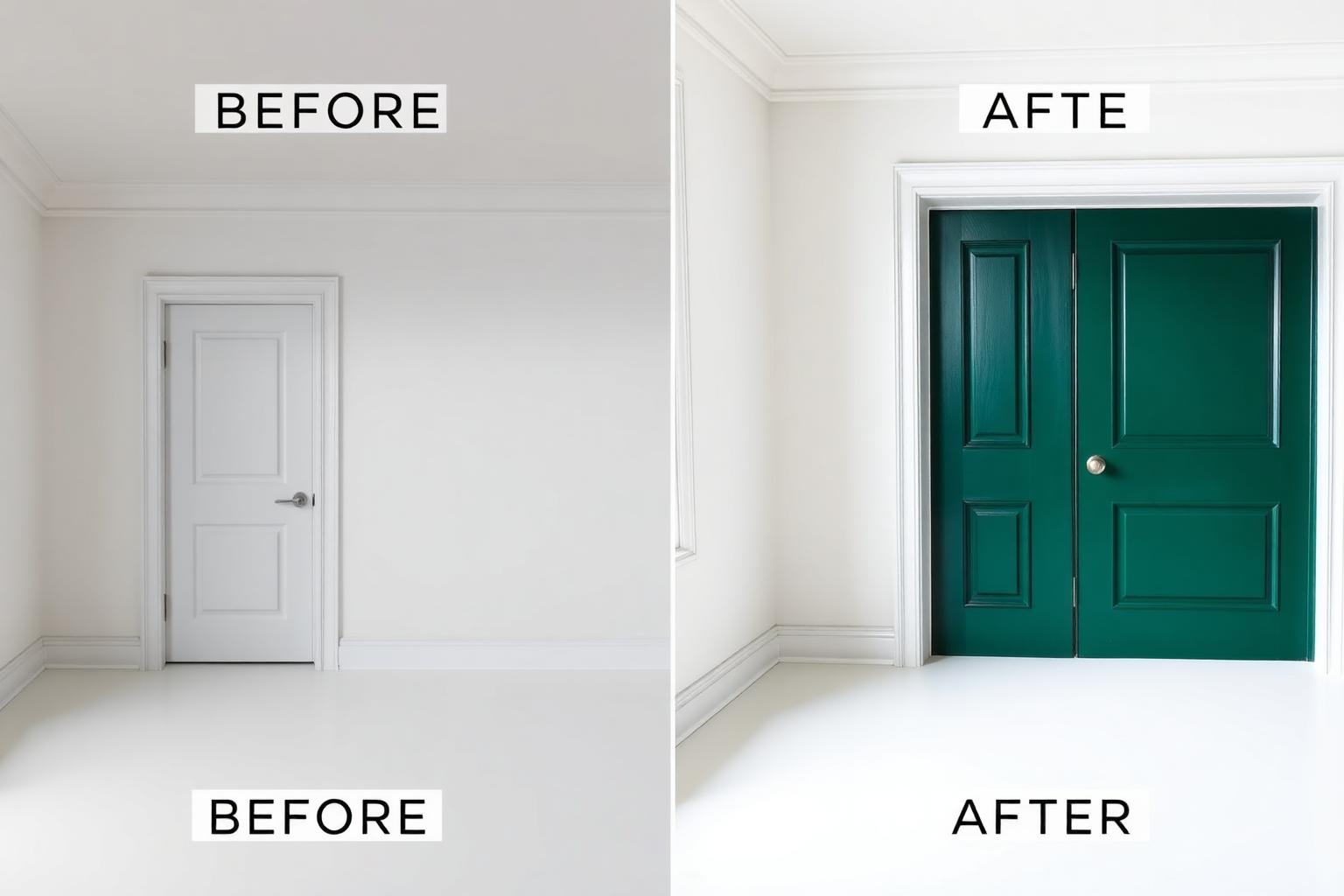
About AI Paint Visualizer
Choosing a paint color from a small swatch can be difficult because colors often look different across an entire wall and under changing light. AI Paint Visualizer helps you preview new wall, ceiling, trim, door and exterior colors directly on a photo of your space before painting.
What this designer does
It previews new paint colors on walls, ceilings, trim, doors and exterior surfaces while preserving the surrounding furniture, flooring, fixtures and architectural details whenever possible. You can visualize a single accent wall or repaint multiple surfaces.
Who should use it
- Homeowners choosing a paint color before buying tester pots
- Renters previewing landlord-approved neutrals
- Painters presenting color options to clients
- Interior stylists testing accent walls
- Interior designers comparing color palettes
- Home sellers refreshing rooms before listing
- Property owners testing exterior paint colors
- DIY renovators planning room makeovers
Best use cases
- Preview a deep green feature wall in a living room
- Compare warm white versus cool white throughout a home
- Test colored trim against white walls
- Try a two-tone wall with a picture rail line
- Preview an exterior house color before repainting
- Compare neutral wall colors with existing flooring
- Test bold accent walls without physically painting
- Preview different door and trim colors
Before you upload
- Shoot in daylight to see true color
- Turn off warm bulbs that skew the base color
- Include the ceiling and a full wall in frame
- Clear art off the wall you want repainted
- Use a clear, high-resolution photo
- Avoid heavily filtered photos
- Keep the wall surface clearly visible
- Use a straight, natural camera angle
Tips for better AI results
- Test the same color in Warm Ambient and Natural Daylight modes
- Preserve furniture so the paint reads against your real palette
- Mention the finish such as matte, eggshell or satin
- Try one bold color before comparing several
- Use exact HEX values when testing a specific digital color
- Compare warm and cool colors under the same lighting mode
- Keep furniture visible to understand how the color works with the room
- Use Accent Wall mode when changing only one wall
Popular Paint Color Palettes
Warm Neutral
Warm whites, creams, beige and soft greige
Deep Jewel
Emerald, navy, burgundy and deep teal
Earthy
Terracotta, olive, clay and warm brown
Cool Modern
Cool grey, muted blue and crisp white
Estimated Painting Budget
General painting cost ranges for planning purposes only. Actual material and labor costs vary by room size, paint type, surface condition and location. Example estimates in USD.
Basic
$150 to $400Single room, DIY, standard paint.
Standard
$400 to $1,200Multiple rooms, quality paint, minor prep.
Premium
$1,200 to $3,500Full interior, professional crew, premium paint.
Luxury
$3,500+Whole home, specialty finishes, extensive prep.
Expected rendering results
- Realistic preview of selected paint colors on visible surfaces
- Wall, ceiling and trim colors separated where supported
- Original room layout and furniture preserved
- Selected color information and HEX value
- Before and after comparison
Common mistakes to avoid
- Choosing a color under a warm light bulb only
- Ignoring how the color reads next to the floor
- Skipping trim color and losing the effect
- Judging a dark paint color using only one lighting condition
- Using a heavily filtered source photo
- Uploading a dark or blurry image
- Selecting a digital color without testing a physical paint sample
- Ignoring how natural and artificial lighting change color appearance
Try any paint colour before you buy a tin
Upload one photo, choose a colour, and preview it on your walls in seconds.
Frequently asked questions
What is AI Paint Visualizer?
AI Paint Visualizer is a free tool that lets you preview interior and exterior paint colors on a real photo of your room or house before you paint.
Can I paint only one wall?
Yes. Choose the Accent Wall or Single Wall option and the AI will focus the new paint color on one wall while keeping the rest of the room in its original color where possible.
Can I preview exterior paint?
Yes. Upload a photo of your house and choose Exterior Walls, Fence or Garage Door to test facade colors.
Which image formats are supported?
You can upload JPG, PNG and WEBP images up to 12 MB. Well-lit, straight-on photos give the most realistic paint previews.
Is DecoEpoch free?
Yes. Every AI tool on DecoEpoch, including AI Paint Visualizer, is completely free to use with no signup required.
Can I enter my own paint color?
Yes. Use the visual color picker or enter a HEX value like #F5F1E8 to preview any custom color on your uploaded photo.
Can I compare multiple paint colors?
You can test different colors using the same uploaded photo. Recently used colors are kept in the current session so you can quickly switch between them without uploading again.
Can I preview an accent wall?
Yes. Select Accent Wall and describe which wall you want to change in the Special Requirements field for the best result.
Can I change the ceiling or trim color?
Yes. Choose Ceiling or Trim as the paint area and select the color you want to preview. You can also describe combinations like white walls with dark trim.
Will the AI change my furniture?
The Paint Visualizer is designed to preserve furniture, flooring, windows and other room elements while changing only the selected paint surfaces whenever possible.
Are AI paint colors completely accurate?
No. AI previews are visual estimates. Actual paint appearance varies with lighting, screen calibration, wall texture, paint finish and the physical paint product. Always test a real paint sample before making a final decision.
Related tools
AI Interior Design
Upload a photo of any indoor space and redesign it with AI, rooms, styles, palettes, materials, furniture and lighting.
AI Exterior Design
Reimagine home exteriors, facades and landscaping with AI.
AI Furniture Replacement
Upload a room photo and swap existing furniture for AI-generated alternatives while preserving your room layout, walls, and lighting.
AI Object Removal
Upload a room photo and remove unwanted furniture, decorations, clutter, appliances, or wall items while AI naturally reconstructs the background.
AI Virtual Staging
Upload an empty room and furnish it instantly with AI. Perfect for real estate listings, rentals, apartments, offices, and interior visualization.